Add your footage
Drop in one clip or a folder of takes. Viewcat transcribes your speech on import, so the AI knows every word and where you said it.
Viewcat is an AI video editor for creators who film themselves. Drop in your raw takes and say what you want: the AI cuts the bad takes and long pauses, puts the best lines in order, and adds captions and motion graphics on a real timeline. Then click any piece to change it, by chat or by hand.
An AI video editor is video editing software that does the editing work you describe instead of making you do every cut by hand. You give it footage and a plain-language brief, and it trims, orders, captions and decorates the video for you.
Most AI video editors fall into two groups. Generators make new footage, avatars or stock-based videos from a prompt. Editors like Viewcat work on footage you recorded: they find your best takes, remove mistakes and silences, and build captions and graphics around what you actually said.
Drop in one clip or a folder of takes. Viewcat transcribes your speech on import, so the AI knows every word and where you said it.
Type or say what you want, the way you'd brief a human editor: "Start with the best line, cut the retakes, big yellow captions, make it punchy for Shorts."
Watch the result, then click any caption, title or clip to change just that piece, by chat or by hand. Export when it looks right.
One project covers cleanup, captions, motion graphics and the rest. Each AI change is a regular timeline piece you can move, trim or delete.
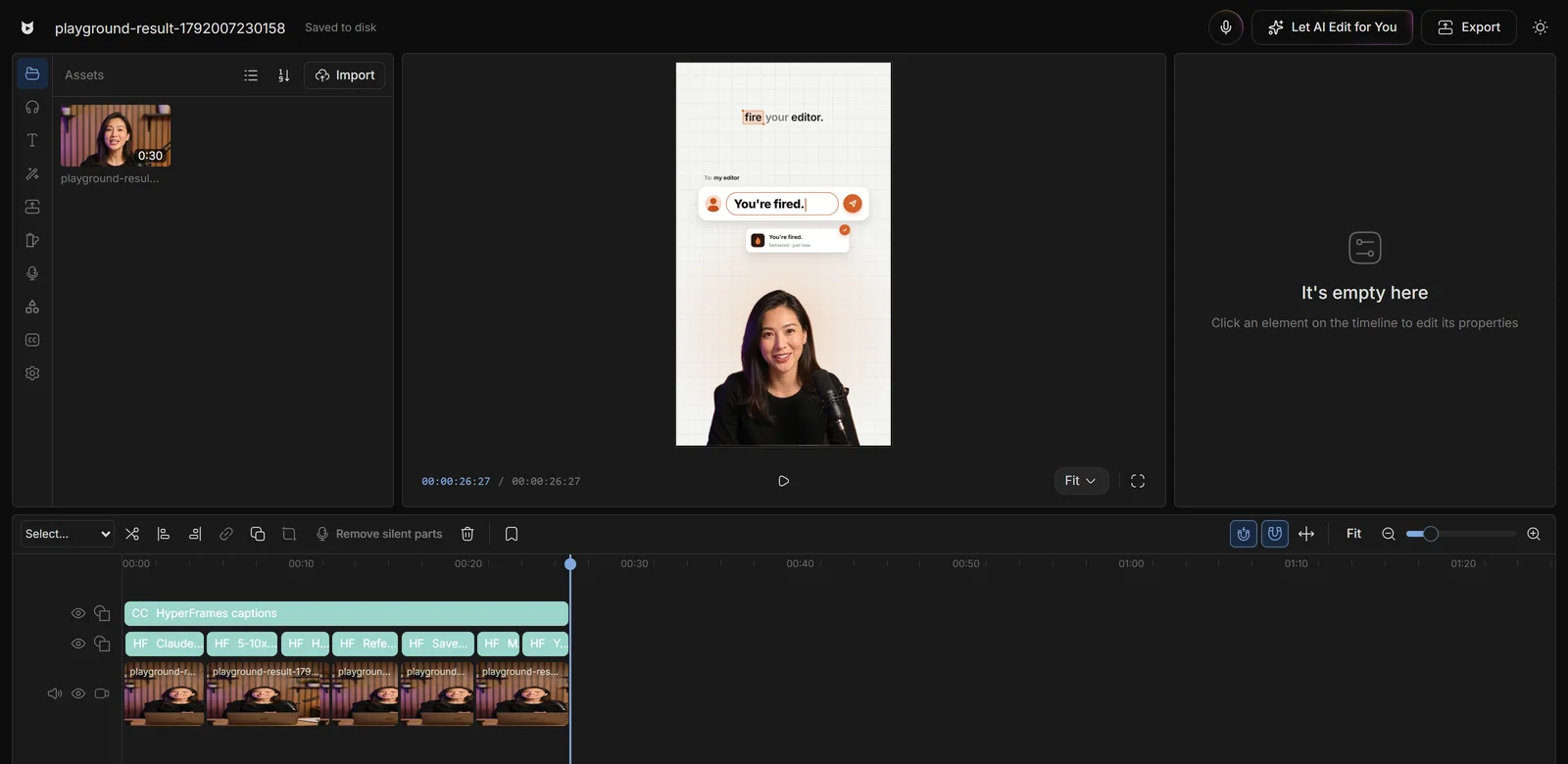
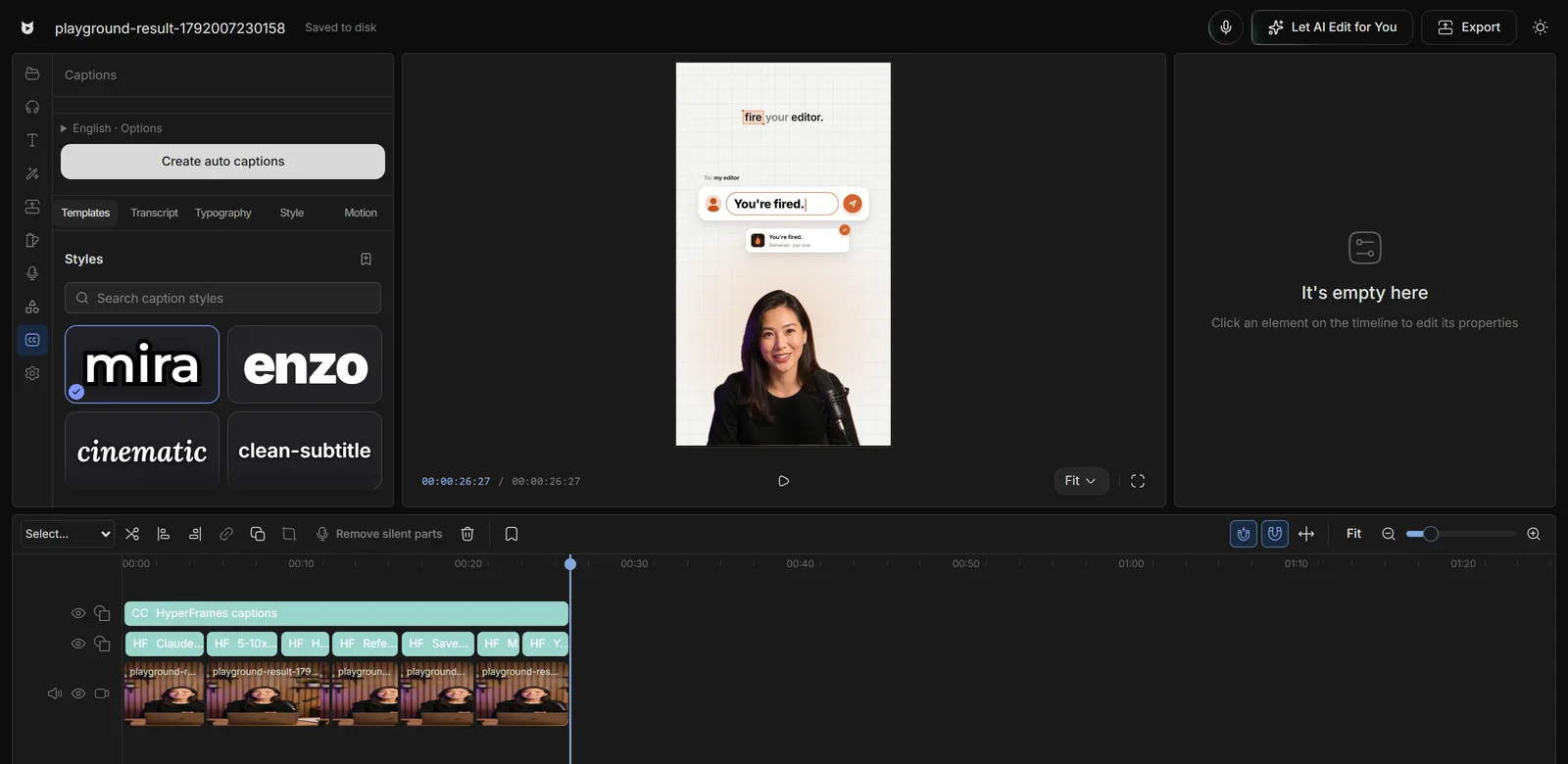
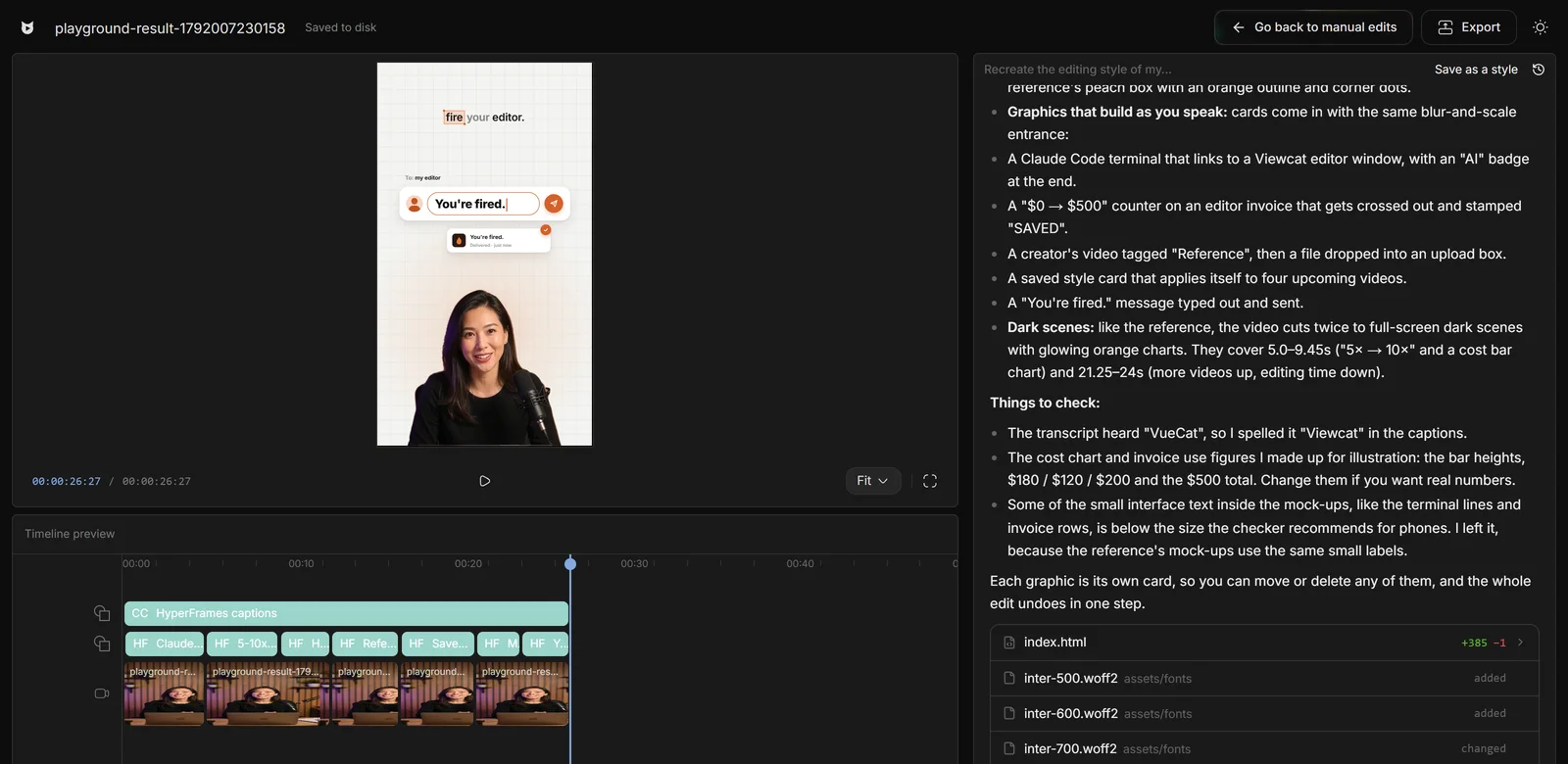
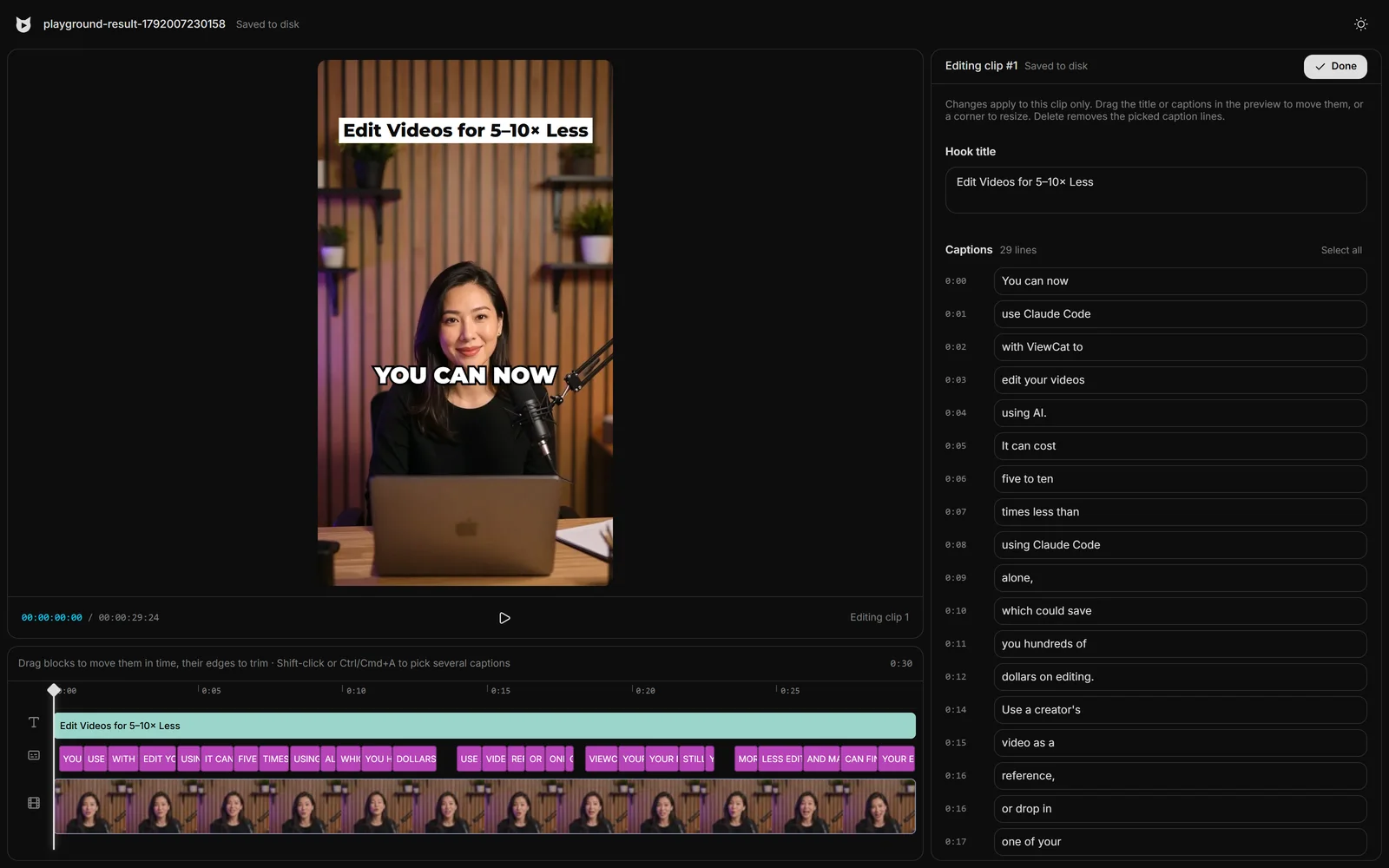
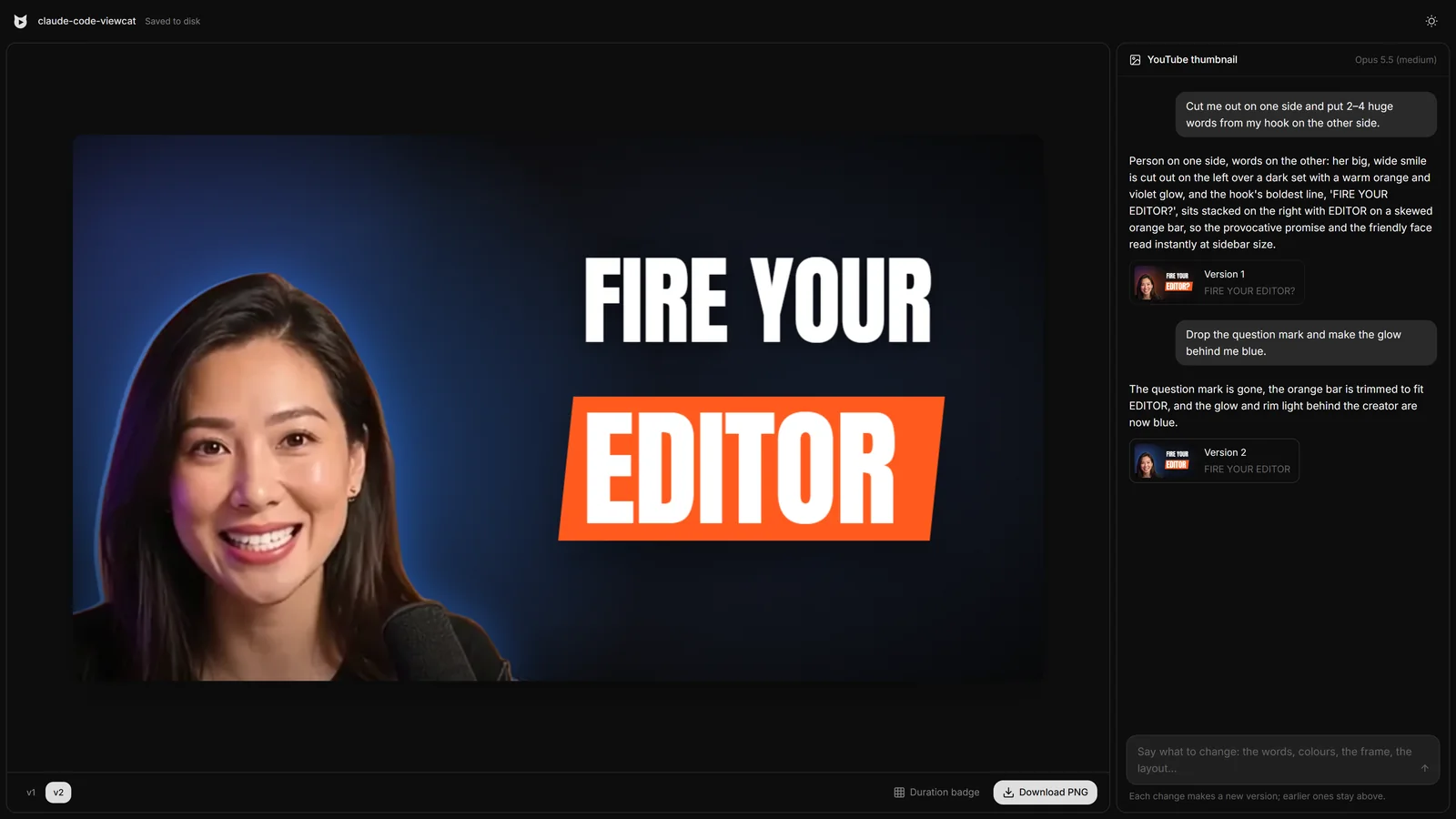
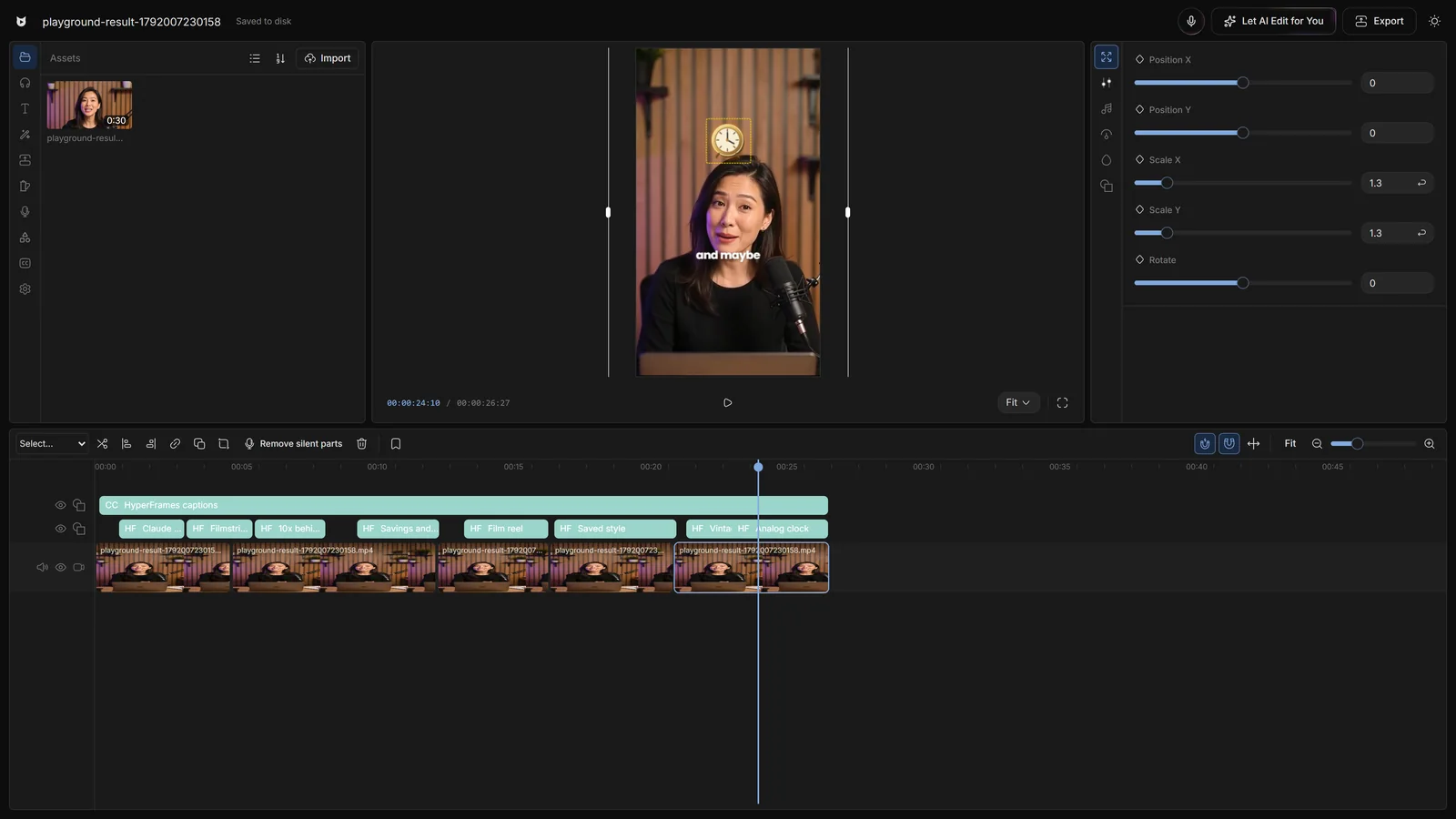
Chat-only AI tools make you re-prompt the whole video to fix one word. In Viewcat, switch to manual mode with one click and change anything yourself: drag, trim, retype or restyle. Your AI edit and chat stay where they were, and you can switch back and keep chatting.
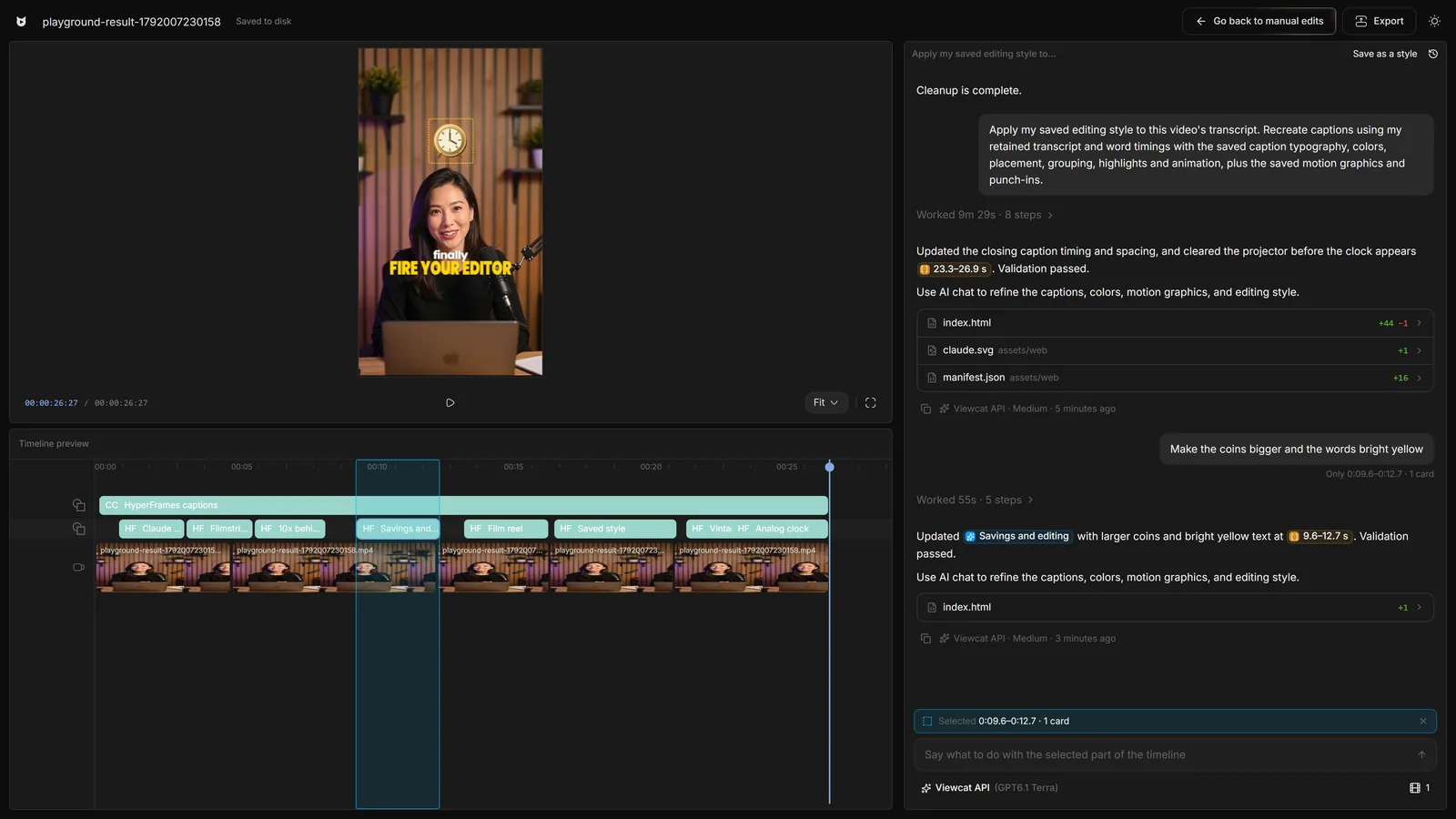
Select a caption, title or clip on the timeline and ask for a change there. The AI edits only the selected part, so a fix never re-rolls the rest of your video.
Pick Viewcat AI, your own OpenAI- or Anthropic-format API key, or connect your Claude Code or Codex plan. Your agent works through the Viewcat MCP server on your computer, with its own sign-in, and its edits land on the same timeline.
How Claude Code and Codex editing works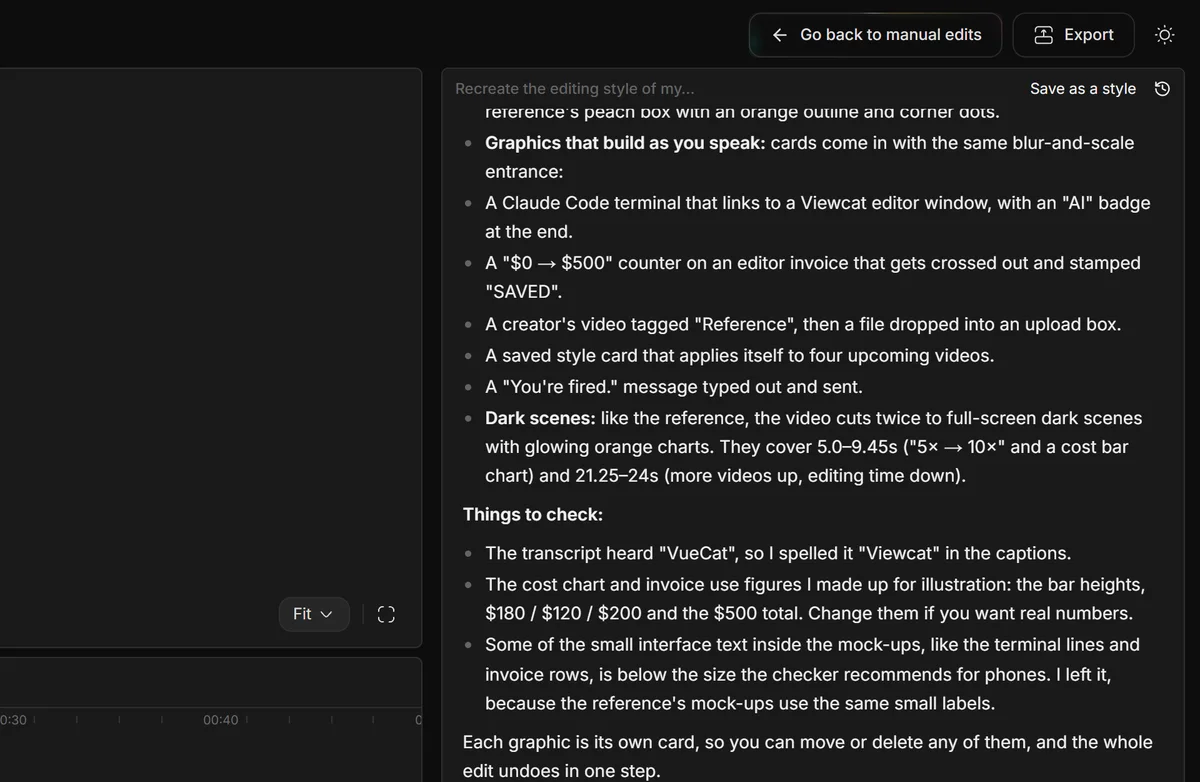
Turn a long talking-head recording into a tight video with an intro, captions and graphics, without hiring an editor.
Post more often: the AI cuts the dead air, adds bold captions and frames each clip for vertical video.
Clip each episode into Shorts and Reels with hook titles and captions, straight from the full recording.
Line up screen recordings with your camera take, add titles and callouts, and keep every lesson consistent with a saved style.
Viewcat is a free download. The Free plan is a complete manual editor that never expires. A paid plan adds the AI that edits for you: Basic is $20 a month, or $200 a year.
| Editing job | Traditional editor | Viewcat AI video editor |
|---|---|---|
| Cutting bad takes and pauses | Scrub the timeline and cut each one by hand | /cleanup removes them and keeps your best takes in order |
| Captions | Type or import them, then style every line | Auto captions from your speech, in the style you pick |
| Titles and motion graphics | Keyframe them yourself or buy templates | Describe them in chat; they're built for your words and timed to them |
| Changing one detail | Find it and fix it | Select it and ask, or fix it by hand in manual mode |
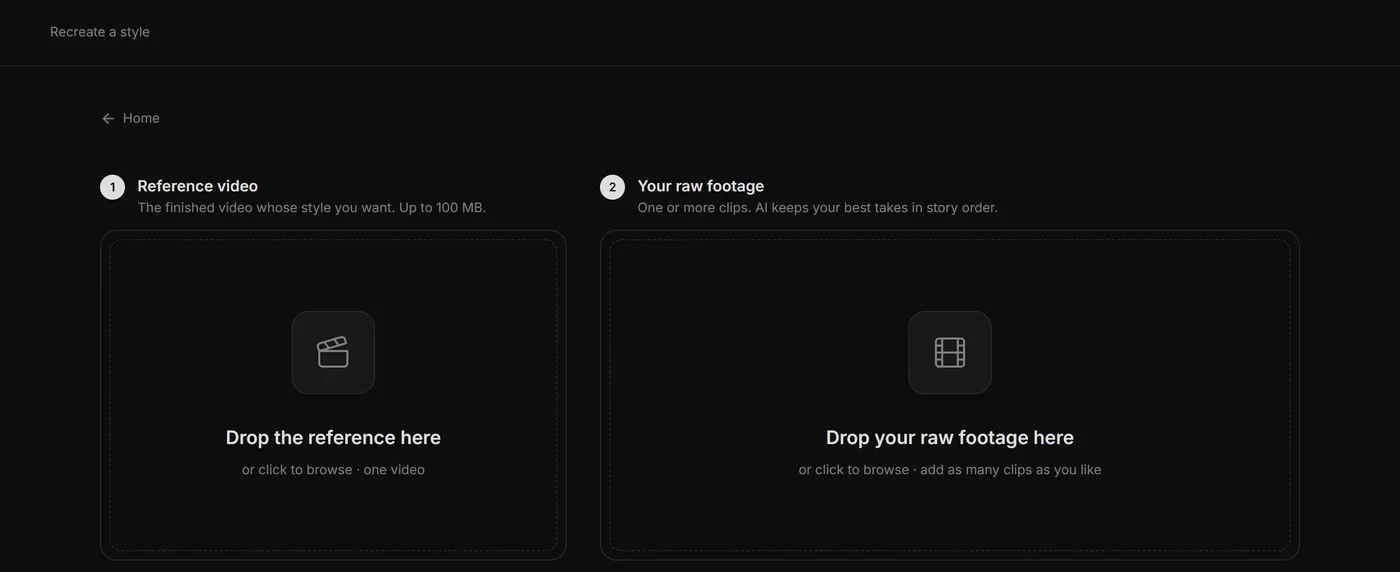
| Matching a creator's look | Study their videos and rebuild it by hand | Give the reference video; the AI rebuilds the style on your clip |
| Where your footage lives | On your computer | Still on your computer; only speech and AI calls use the cloud |
Editors charge $50 and take days. Viewcat creators post the same day, for under $1.
Say the edit, then fix any part by hand
Copy any video's editing style
Reuse a look on every video
/cleanup, /order-clips, /match-recording
Copy a YouTube intro's editing onto yours
Topic in, narrated animated short out
Learn how to edit your own videos with AI: import footage, give useful directions, review captions and effects, and finish the cut on the timeline.
Compare AI video editors by the work you need done: transcript editing, captions, browser tools, and manual control. Includes sources and plan caveats.
Compare free video editing with free AI features. Check captions, credits, watermarks, and exports, plus what Viewcat plans to include in its free editor.
A practical framework for editing your own footage with AI: define the audience, opening, pacing, captions, and constraints, then refine one change at a time.
An AI video editor is video editing software that edits for you from a plain-language brief. Viewcat works on footage you recorded: it removes bad takes and pauses, puts your best lines in order, and adds captions and motion graphics on a timeline you can still edit by hand.
Viewcat is free to download for Windows and Apple Silicon Macs. The Free plan includes the full manual editor with auto captions, effects, transitions, B-roll and one hour of cloud transcription, and it never expires. The AI that edits for you needs a paid plan; Basic is $20 a month, or $200 a year.
Add your footage, describe the edit in the AI chat (for example, "cut the retakes, start with the strongest line, add big captions"), then review the result. Click any piece on the timeline to change just that part, by chat or by hand, and export.
Yes. Viewcat's AI cleans up the raw takes, orders them, trims the pauses and builds captions and graphics from one brief. You stay in charge of the result: every change is undoable and editable.
No. You describe what you want in plain words, or hold M and say it. If you do know how to edit, manual mode gives you a full timeline editor alongside the AI.
No. Viewcat edits the footage you recorded. It adds captions, titles and graphics on top of your video; it never generates a fake speaker.
By default, Viewcat AI, which answers about 1.5× faster than Claude Opus. You can switch to your own API key, or to your own Claude Code or Codex, in the chat's model menu.
Yes, with a paid Viewcat plan. Connect your Claude Code or Codex plan and pick it in the chat. Your agent runs on your computer with its own sign-in and builds the edit through the Viewcat MCP server.
No. Viewcat runs on your computer and your projects and media stay there. Only speech recognition and AI model calls go through the Viewcat Cloud gateway.
Yes. Viewcat edits horizontal YouTube videos and vertical Shorts, Reels and TikToks, can recreate a YouTube intro's editing style on yours, and can turn a long video into vertical clips.
It depends on what you make. If you film yourself talking and want the edit done for you without learning a timeline, an editor that works on your own footage, like Viewcat, is a good fit. If you want videos generated from a prompt with no filming, look at AI video generators instead.
Viewcat runs on Windows (64-bit) and on Apple Silicon Macs (M1 or later) with macOS 12 or newer. There is no phone app.
Viewcat's Free plan costs nothing. Paid plans are Basic at $20 a month, Max 5× at $80 and Max 20× at $200, with yearly discounts on Basic and Max 5×. Credits pay for the AI work; your own key, Claude Code or Codex uses no credits.
Download Viewcat for free, edit by hand right away, and let the AI edit for you when you're ready.
Free plan for Windows and Mac · AI features with a paid plan