Paste the link
Any public video up to 6 hours.
Your next Shorts are already in your long videos. Paste the link.
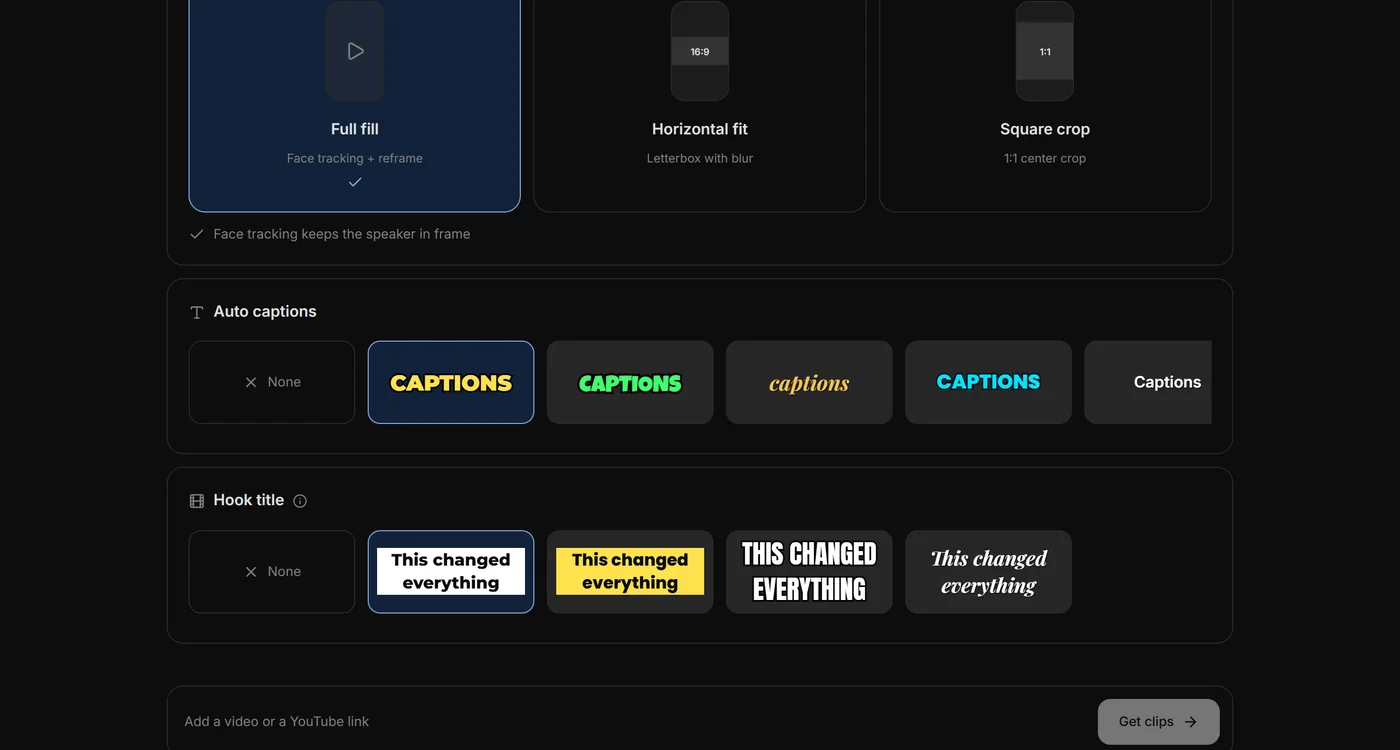
Any public video up to 6 hours.
Length, count, layout, captions.
1080×1920 MP4s, captions burned in.
Downloaded at up to 1080p on your own computer.
Editors charge $50 and take days. Viewcat creators post the same day, for under $1.
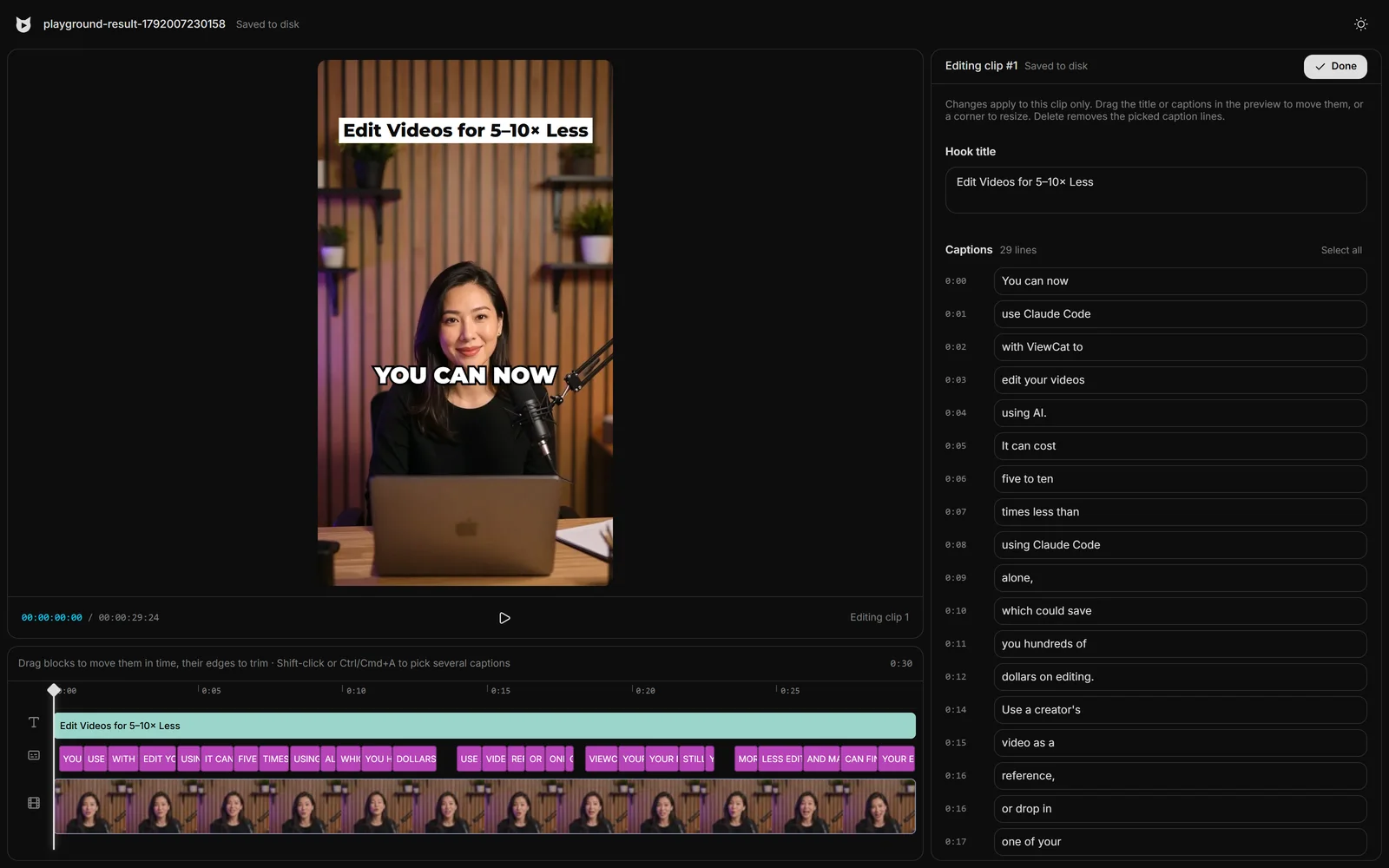
Say the edit, then fix any part by hand
Copy any video's editing style
Reuse a look on every video
/cleanup, /order-clips, /match-recording
Copy a YouTube intro's editing onto yours
Topic in, narrated animated short out
Single public videos up to 6 hours. Playlists and live streams are not supported. Only clip videos you own or have the rights to use.
Viewcat downloads up to 1080p (H.264 when offered) and exports each clip at 1080×1920.
Yes. Upload a video of any length up to 20 GB instead of a link.
Yes, if you pick a caption style. Captions and hook titles are burned into the exported MP4.
Other creators are posting while you read this.
Free plan for Windows and Mac · AI features with a paid plan