Write or paste
Up to 20,000 characters.
No mic, no booth, no retakes. Paste a script.
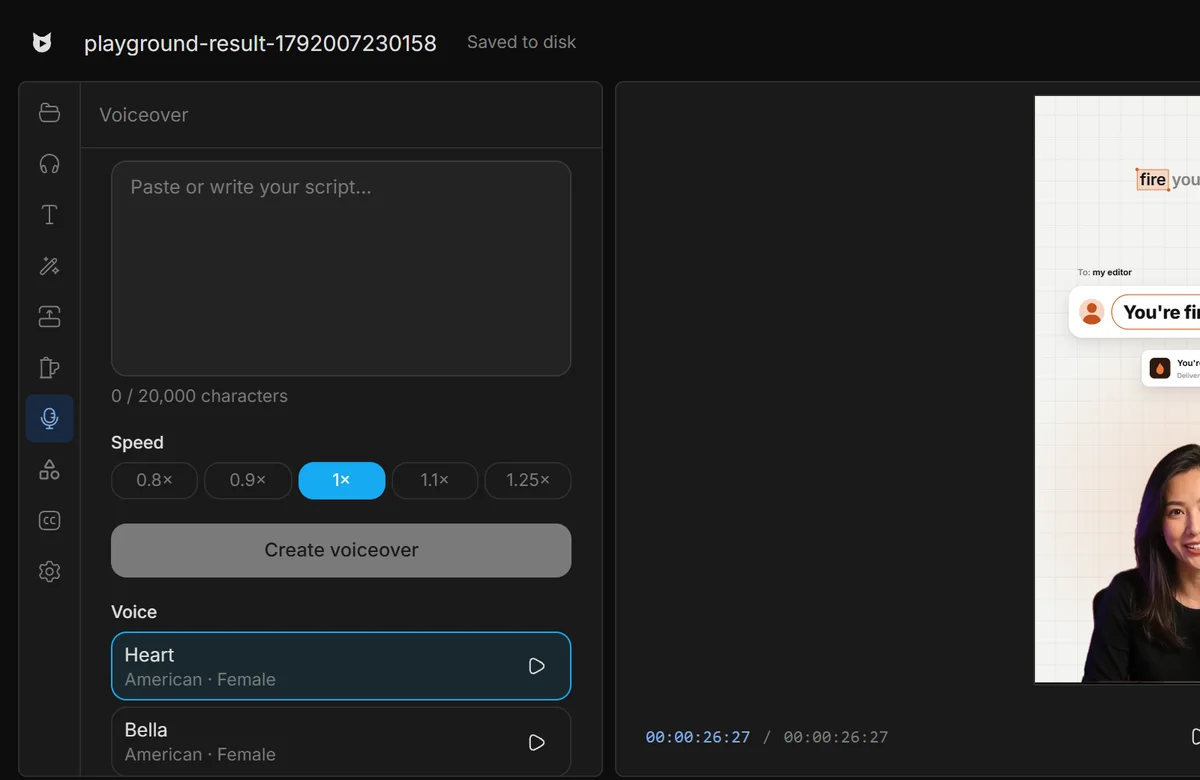
Up to 20,000 characters.
28 voices. Hear each one first.
Narration lands on your timeline.
It’s normal audio: trim, move and mix it right away.
Editors charge $50 and take days. Viewcat creators post the same day, for under $1.
Say the edit, then fix any part by hand
Copy any video's editing style
Reuse a look on every video
/cleanup, /order-clips, /match-recording
Copy a YouTube intro's editing onto yours
Topic in, narrated animated short out
28 English voices from Kokoro-82M, American and British, sorted best rated first. Each voice has a play button for a sample.
Up to 20,000 characters. Viewcat splits it at paragraphs and sentences and joins the audio in order.
It's imported into your project and placed at the playhead on the first free audio track as one undoable change.
Yes. Voiceover is generated through the Viewcat Cloud gateway, so it is part of the paid plans and uses credits.
Other creators are posting while you read this.
Free plan for Windows and Mac · AI features with a paid plan