Add a reference
A YouTube link, a file, or a library style.
Paste an intro that hooks you. Get its editing on your clips.
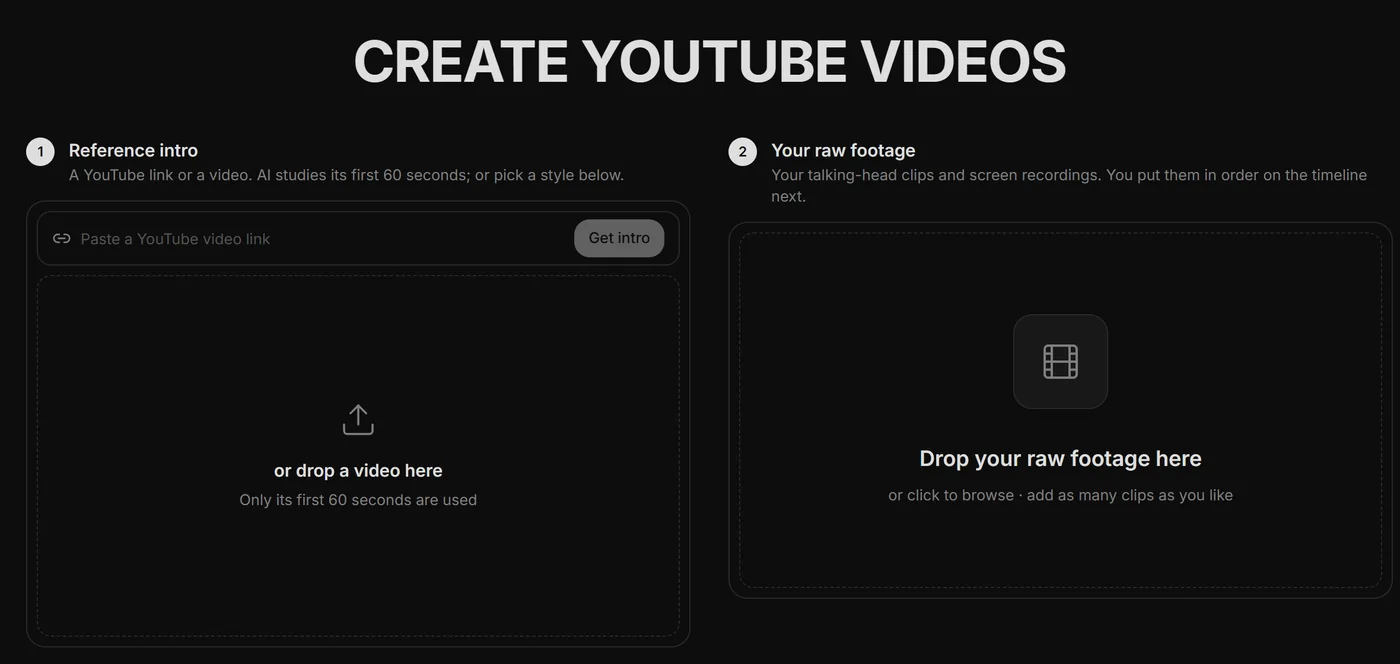
A YouTube link, a file, or a library style.
Four one-click questions.
Your intro in its style. Reuse it anywhere.
Screen recordings sync to your camera and cut together automatically.
Pick a community intro style, or save your own.
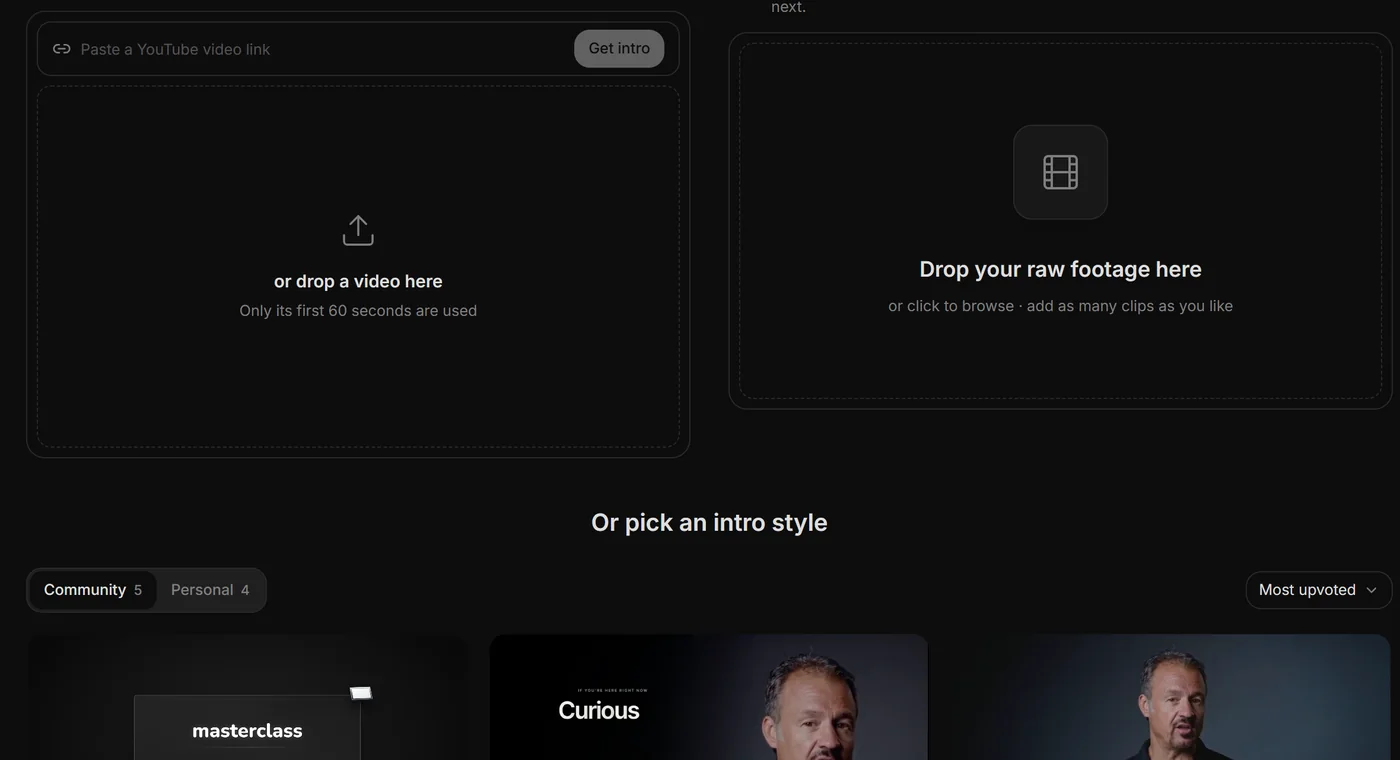
The first minute decides whether a viewer stays. Creators copying proven intros ship that hook on every upload, without paying an editor to study it frame by frame.
Say the edit, then fix any part by hand
Copy any video's editing style
Reuse a look on every video
/cleanup, /order-clips, /match-recording
Topic in, narrated animated short out
YouTube thumbnails and Reel covers
Viewcat downloads only the reference's first 60 seconds (up to 1080p), transcribes it, and studies its editing: graphics, captions, layouts and pacing. Then it builds the same kind of edit on your footage.
Any single public YouTube video, or a video file you drop in. It copies how the intro is edited, never its footage, face or voice.
Put them on a layer above the talking-head clip they belong to. Viewcat matches each pair with /match-recording, cleans up the camera take and cuts both together before the edit.
Yes. Once the intro is on the timeline, select other parts and Viewcat applies the same editing style to them.
Yes. Pick your agent in the menu; after the questions, its chat opens with the intro task.
Other creators are posting while you read this.
Free plan for Windows and Mac · AI features with a paid plan