Select the clips
Pick clips, or none for the whole timeline.
The jobs that eat your evenings, now one slash command.
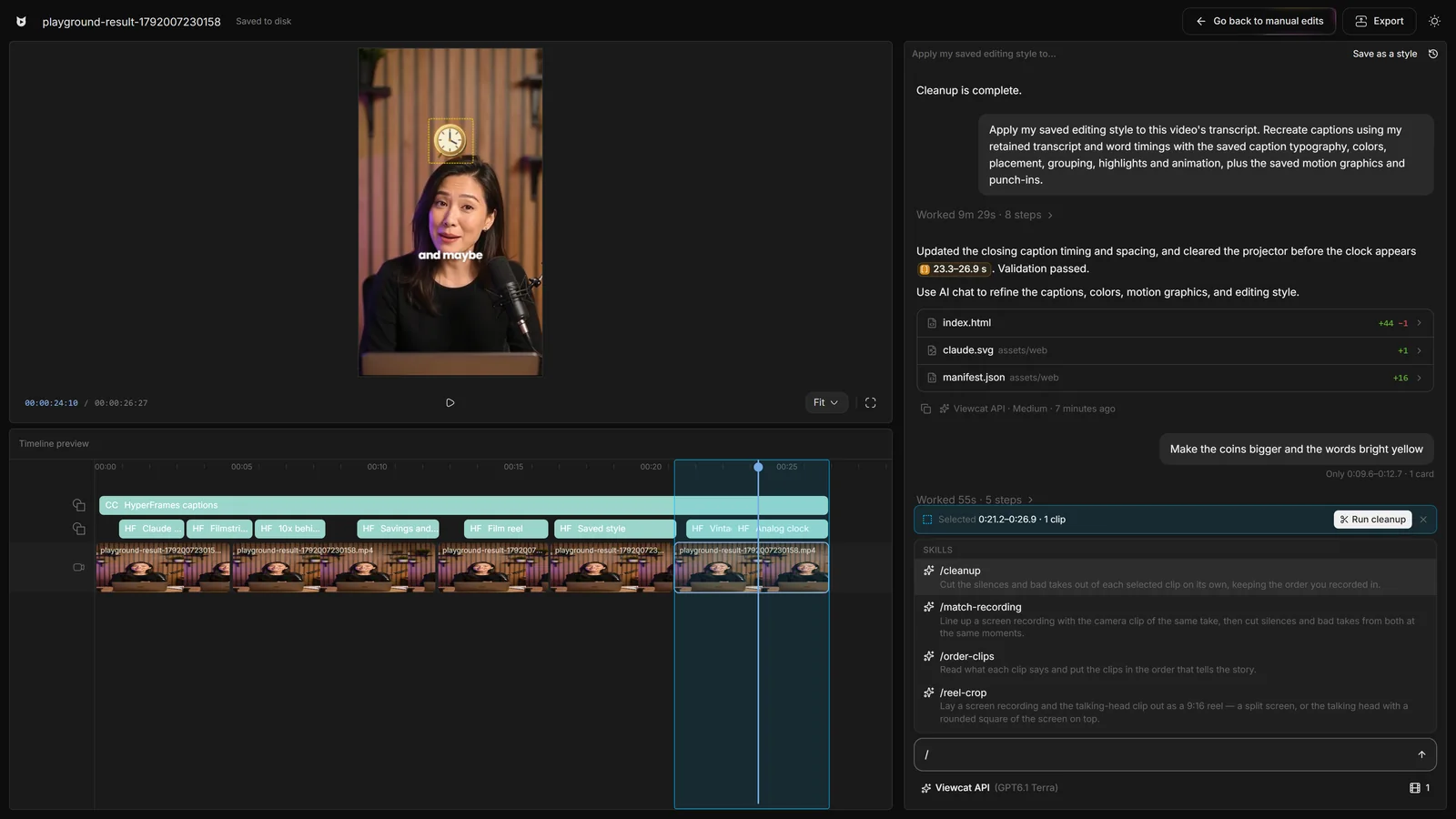
Pick clips, or none for the whole timeline.
Pick a skill. Words after it steer it.
Each skill is one undo. Trying costs nothing.
Works with Viewcat AI, your own key, Claude Code and Codex.
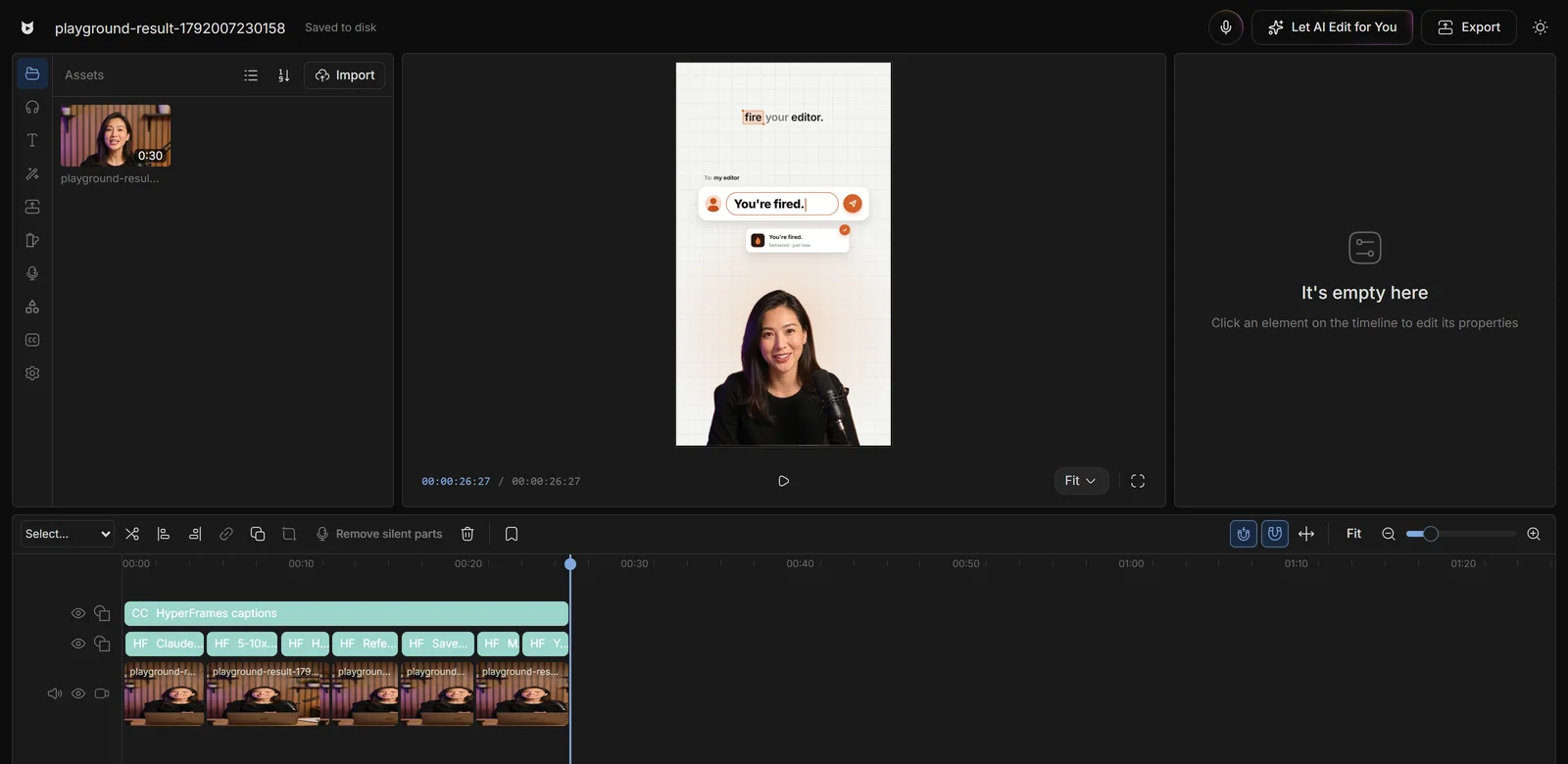
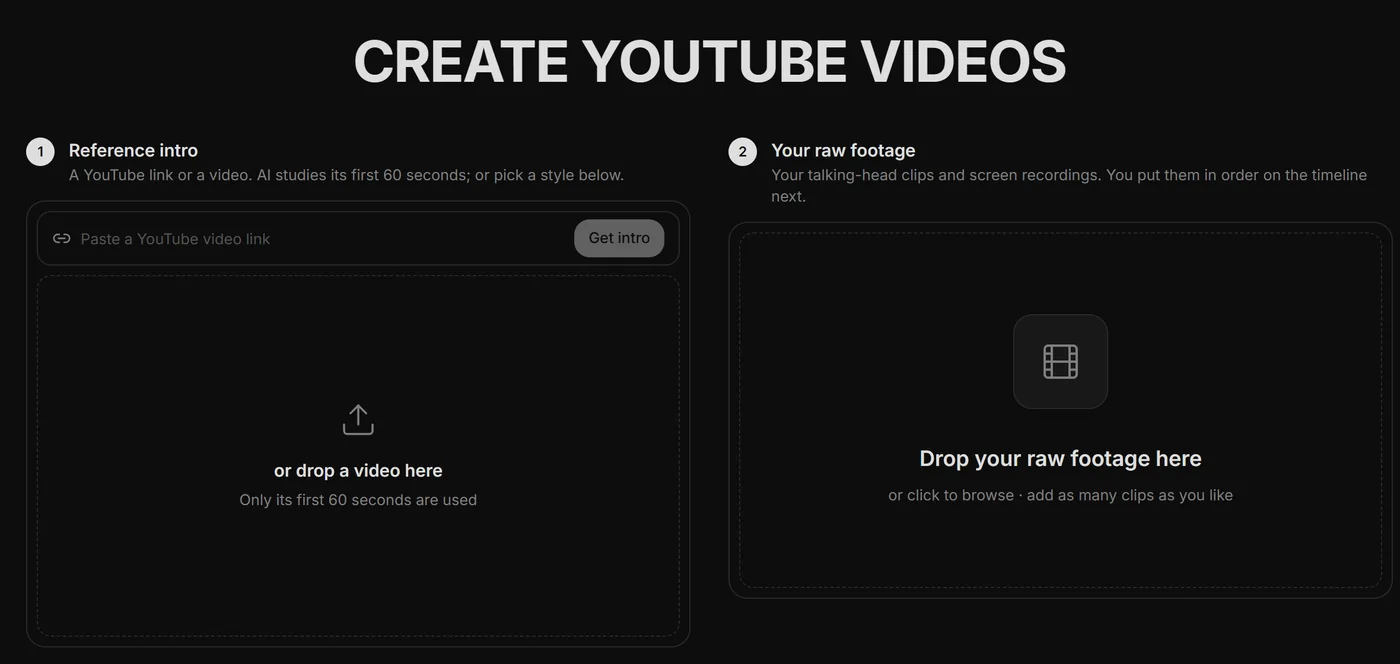
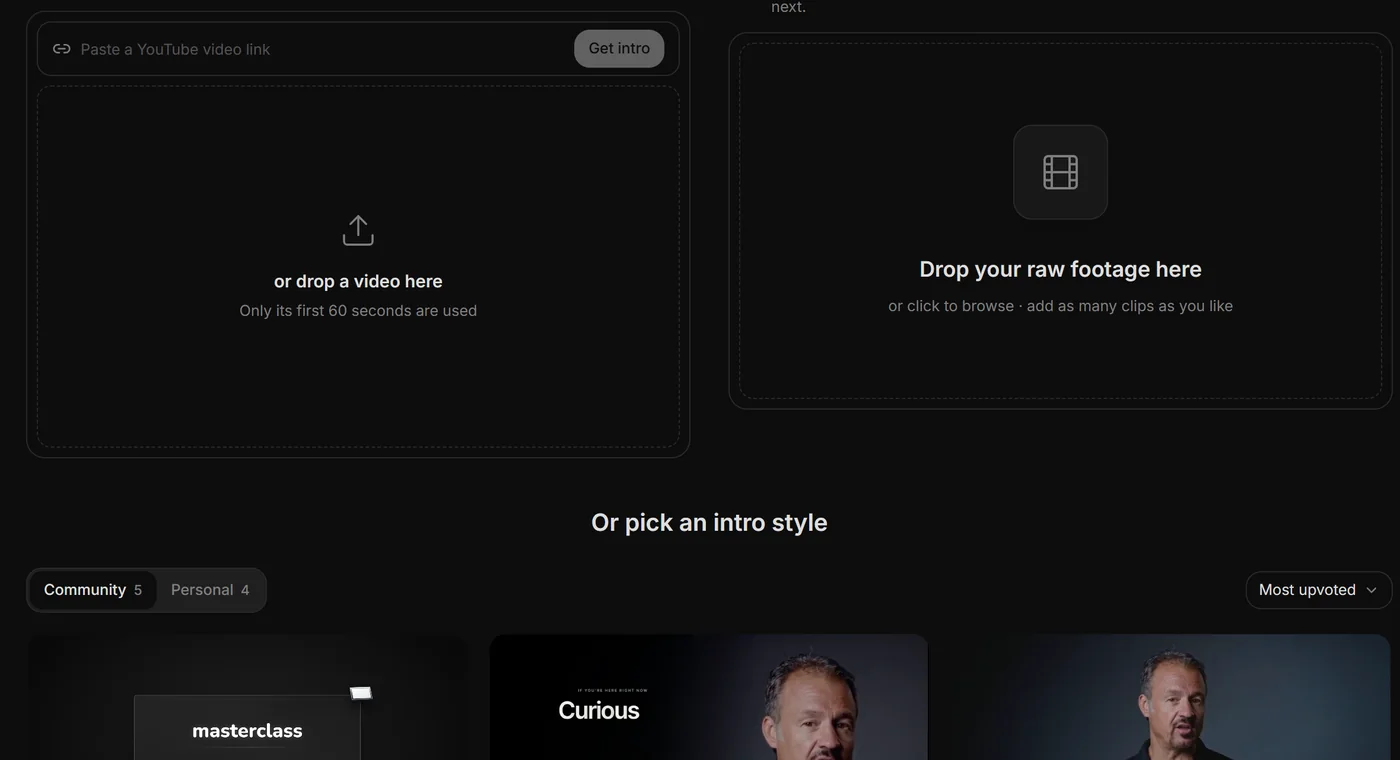
Phone camera plus OBS screen? /match-recording syncs them by sound or keyboard clicks and cuts both.
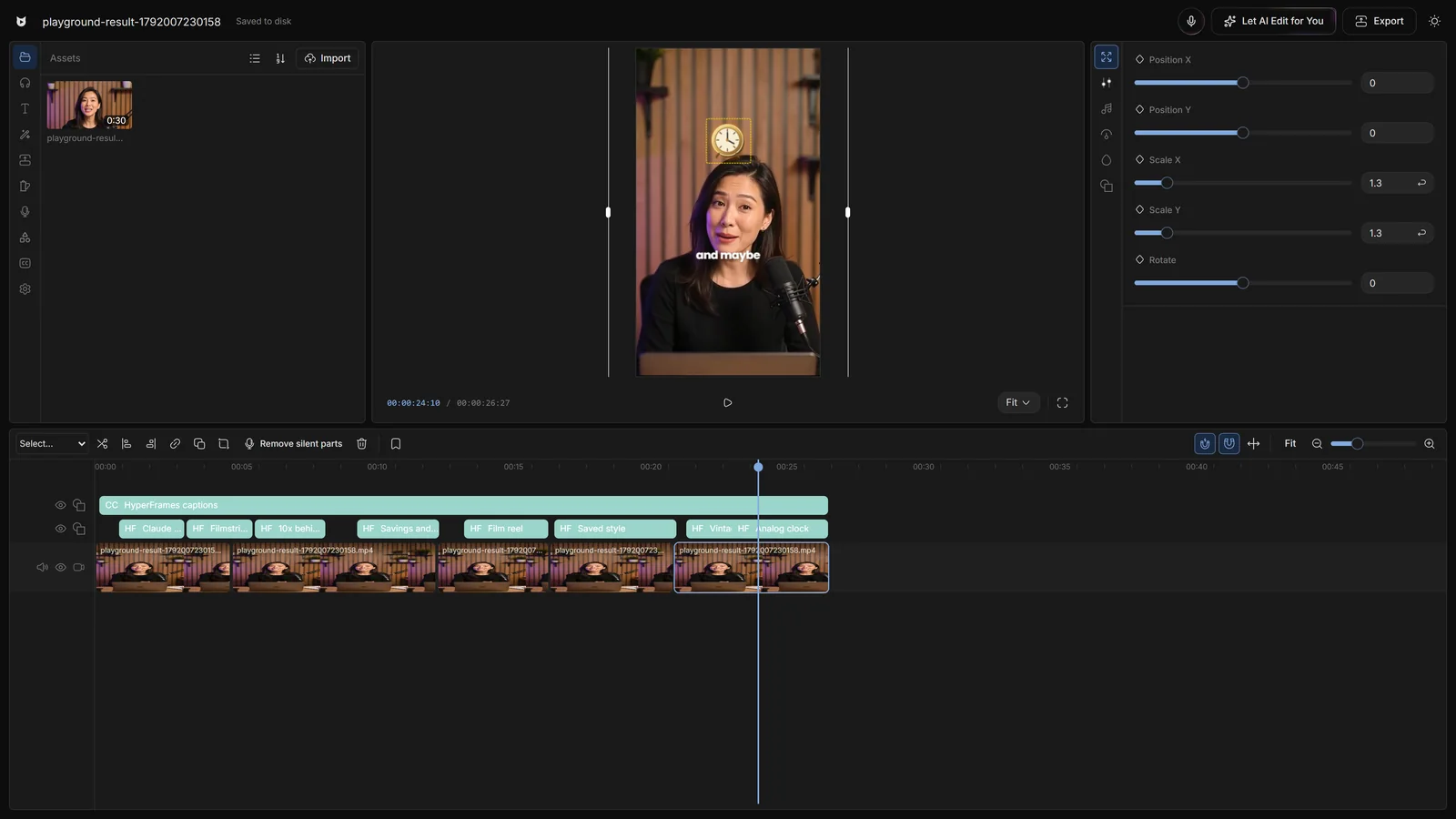
Syncing a screen recording by hand takes a careful half hour; putting nine takes in order takes longer. Creators using skills do both before their coffee cools.
Say the edit, then fix any part by hand
Copy any video's editing style
Reuse a look on every video
Copy a YouTube intro's editing onto yours
Topic in, narrated animated short out
YouTube thumbnails and Reel covers
One-word commands for the AI chat. Type / to list them, pick one, and it runs on your timeline selection, or on the whole timeline when nothing is selected.
/cleanup (bad takes, filler words and silences), /order-clips (story order), /match-recording (sync a screen recording with your camera take and cut both together), /crop (YouTube face-and-screen layouts) and /reel-crop (9:16 split screen and square layouts).
/cleanup and /order-clips use an AI call on your plan's credits; out of credits, they run on your own model, Claude Code or Codex. /crop, /reel-crop and the line-up step of /match-recording use no model call.
Yes. Every skill run is one undo step, and everything it changes stays editable by hand in manual mode.
Yes. Skills work in every AI chat. A skill without its own runner is sent to your agent with its instructions.
Other creators are posting while you read this.
Free plan for Windows and Mac · AI features with a paid plan