Drop in your footage
One clip or a whole folder of takes.
Brief it like a human editor. Fix any piece by hand. No re-prompting.
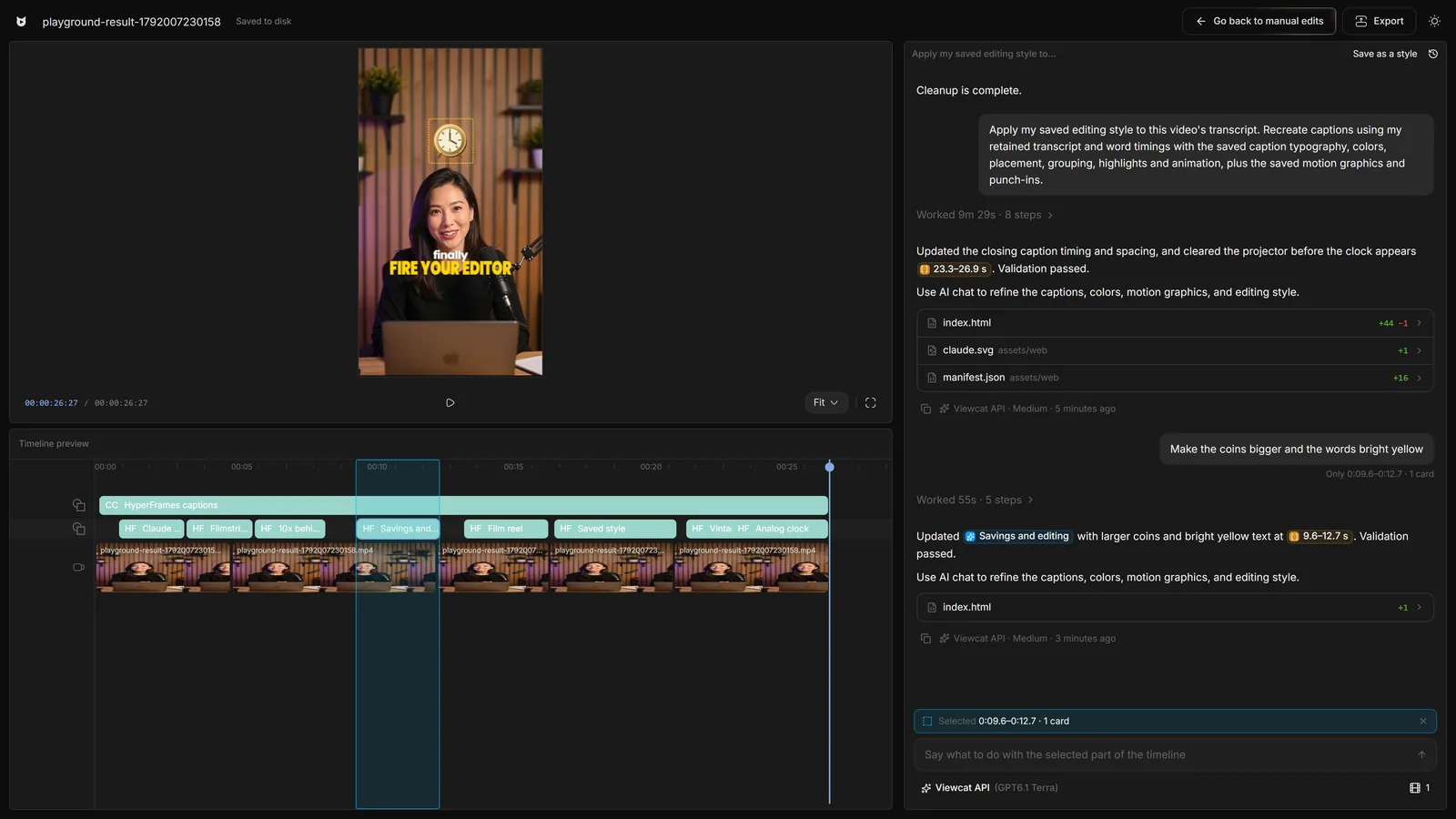
One clip or a whole folder of takes.
“Make this punchy for TikTok.” That’s the interface.
Click any piece and ask for a change, or fix it yourself.
It plans, edits and reports back. You keep control.
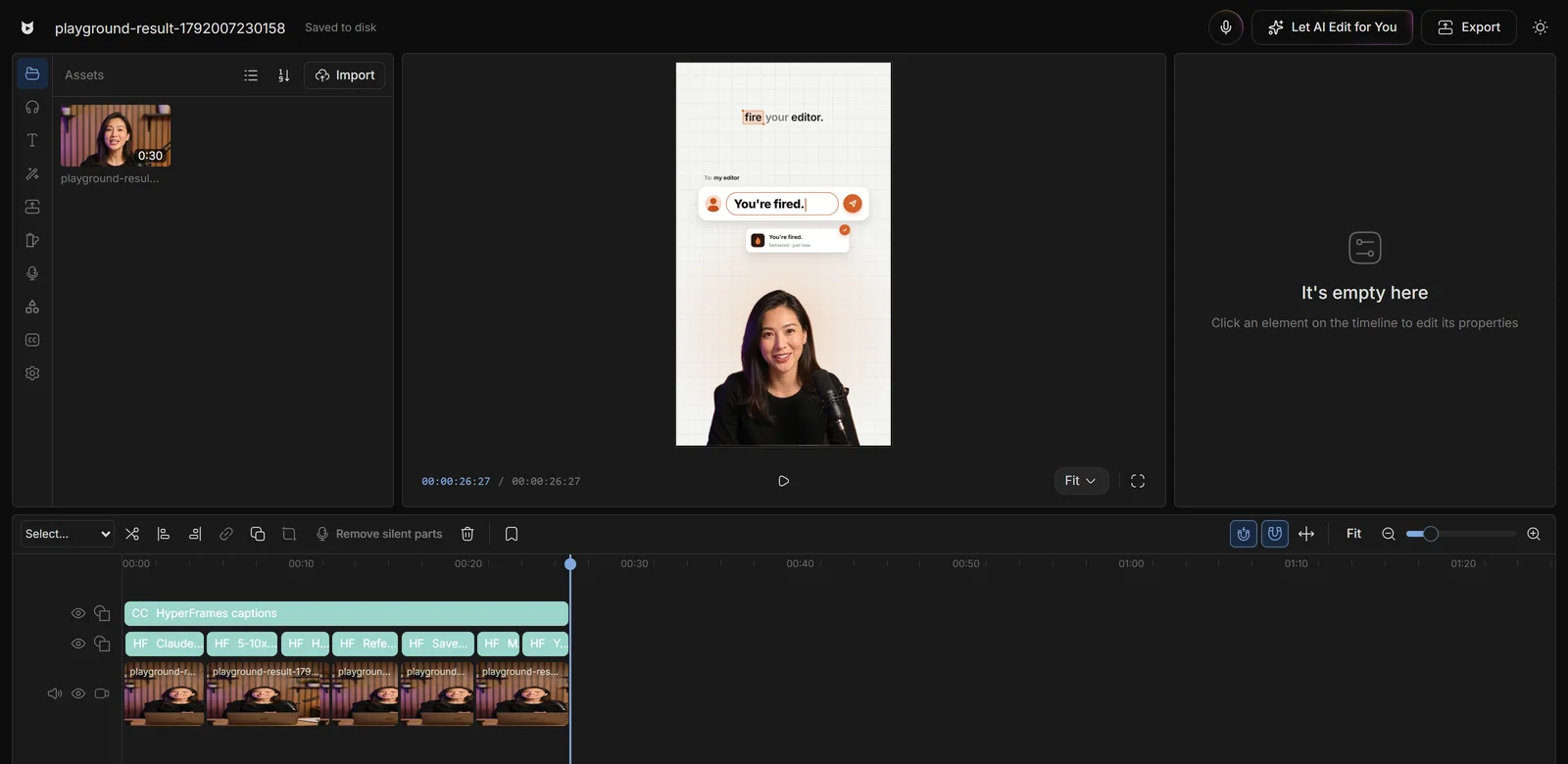
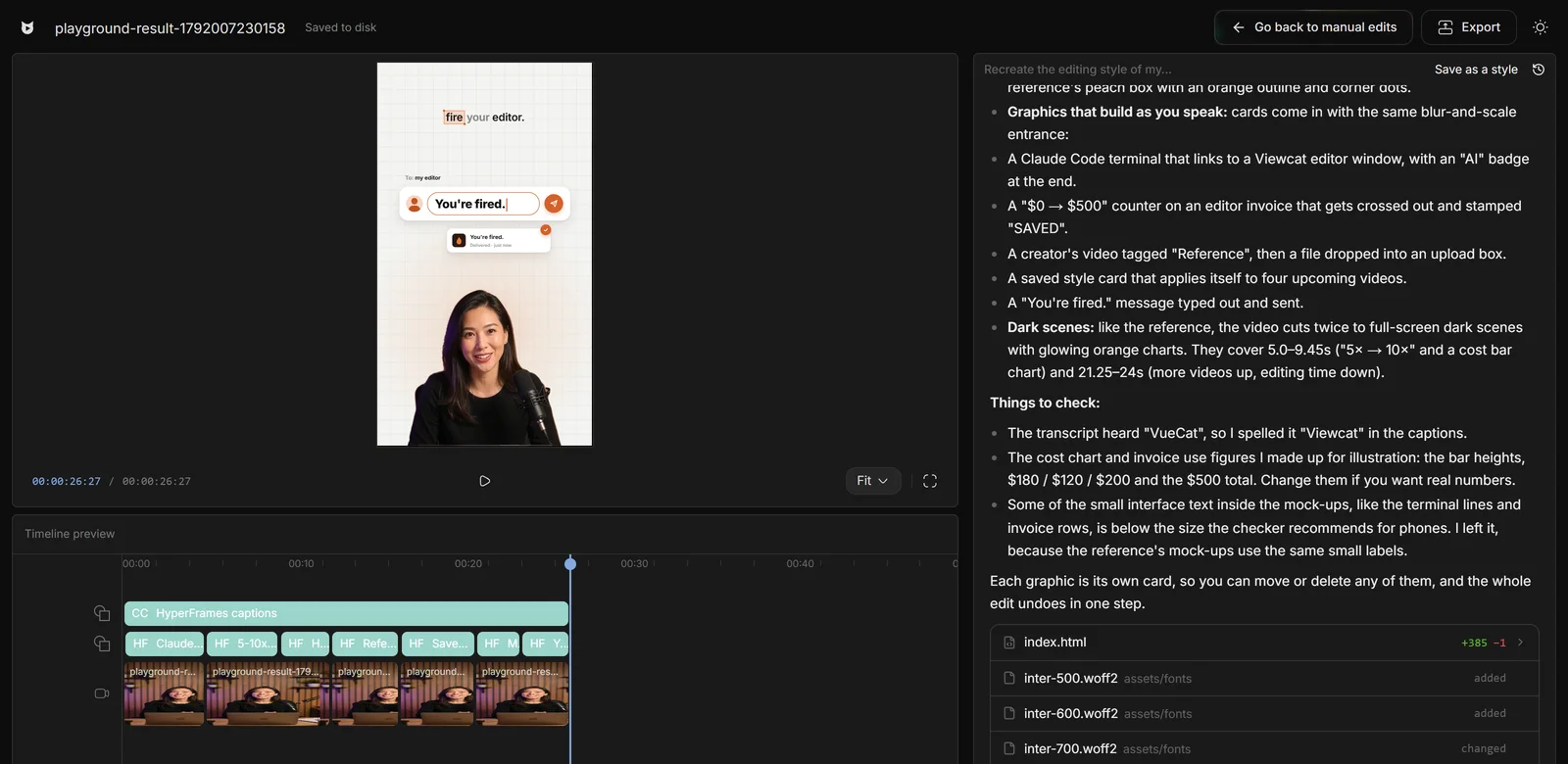
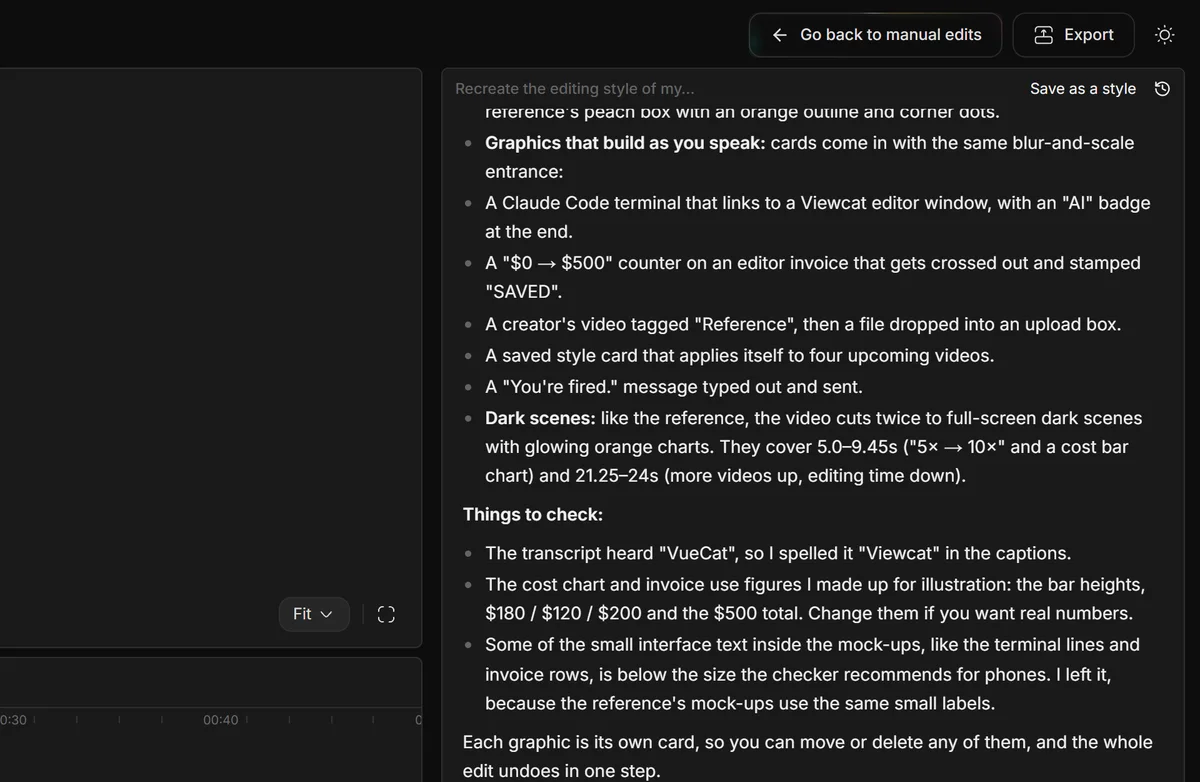
One wrong word? Click it and retype. Every AI change is a normal timeline piece.
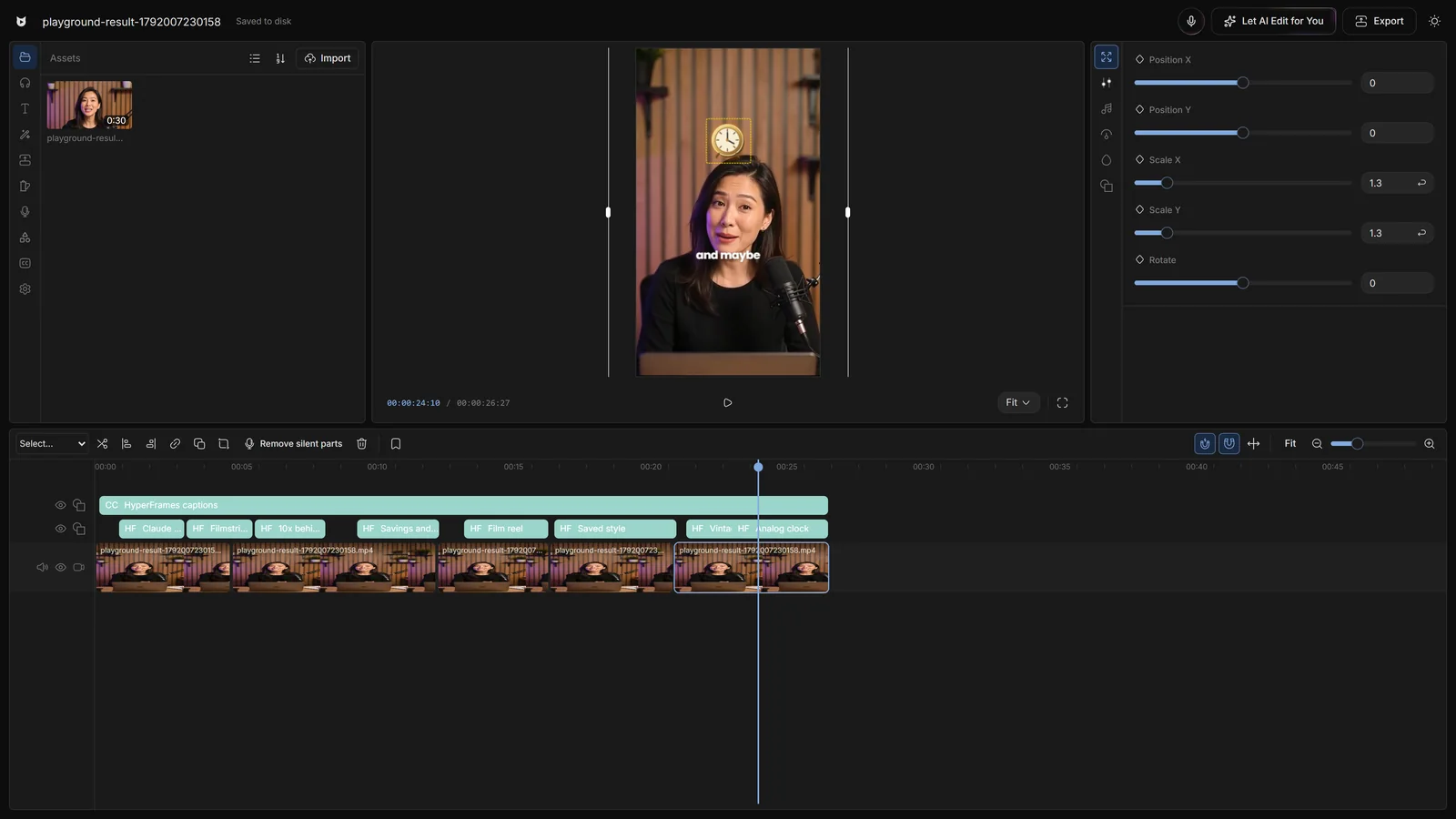
Viewcat AI works out of the box, 1.5× faster than Opus. Or bring your own key, Claude Code or Codex.
Type / for one-word skills: /cleanup, /order-clips, /match-recording, /crop.
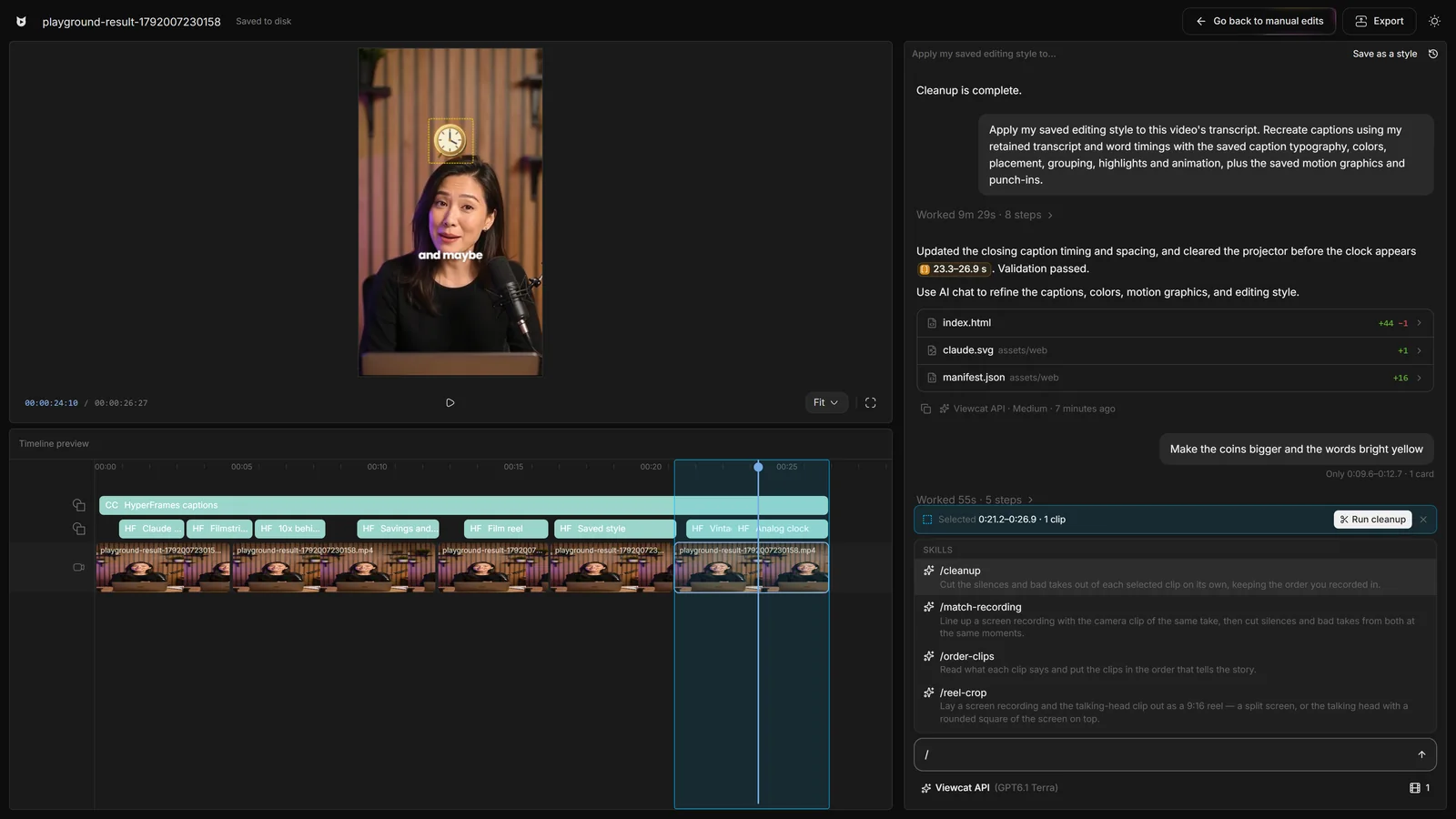
With a chat-only AI, every fix is another prompt, another render and a fresh roll of the dice. In Viewcat the fixes that don't need AI take one click on the timeline.
Copy any video's editing style
Reuse a look on every video
/cleanup, /order-clips, /match-recording
Copy a YouTube intro's editing onto yours
Topic in, narrated animated short out
YouTube thumbnails and Reel covers
Viewcat AI is tuned for editing turns and answers about 1.5× faster than Claude Opus on the same edit request. If you prefer Claude, connect your own Claude Code plan and pick Opus in the same menu: it gets the same built-in skills and styles.
Anything you would ask a human editor for: tighten the pacing, start with a stronger hook, add captions in a certain style, build animated titles or charts, add zooms, or change one moment. Select the part on the timeline and say what to change there.
Click it on the timeline (Ctrl-click or Shift-click for more). The selection bar shows what's selected, and your next message only changes that segment; nothing outside it moves. Or switch to manual mode and change it by hand.
By default Viewcat AI, metered in your plan's credits. You can switch to your own API key or to your own Claude Code or Codex in the chat's model menu.
No. Viewcat edits the footage you recorded. It removes bad takes and silences and adds captions and graphics on top; it never generates a fake speaker.
Your projects and media stay on your computer. Speech recognition and AI model calls go through the Viewcat Cloud gateway; nothing else leaves the machine.
Other creators are posting while you read this.
Free plan for Windows and Mac · AI features with a paid plan