Add a long video
A file or a YouTube link, up to 6 hours.
One long video in. Ranked, captioned viral clips out.
A file or a YouTube link, up to 6 hours.
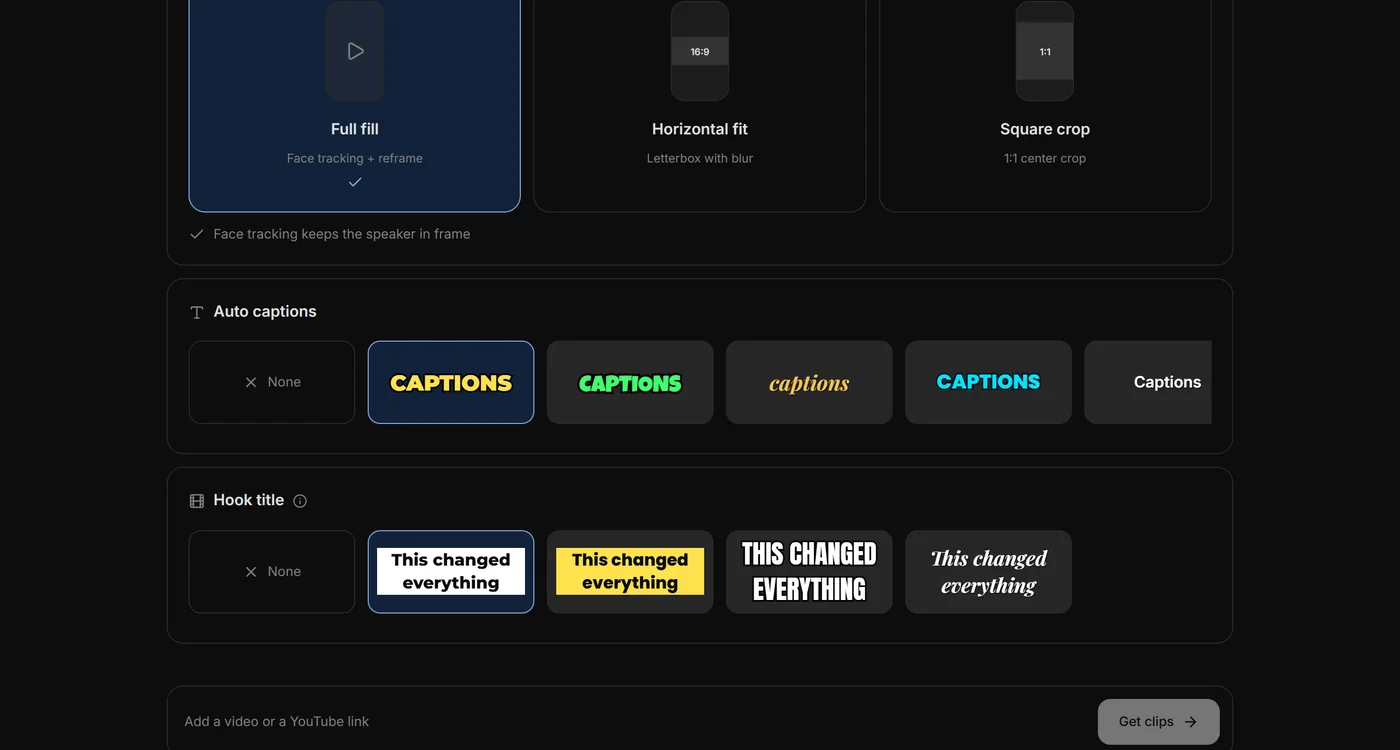
Length, count, layout, captions. Or Auto.
Ranked by virality. Export 1080×1920.
Runs on your computer, except transcription and moment-finding.
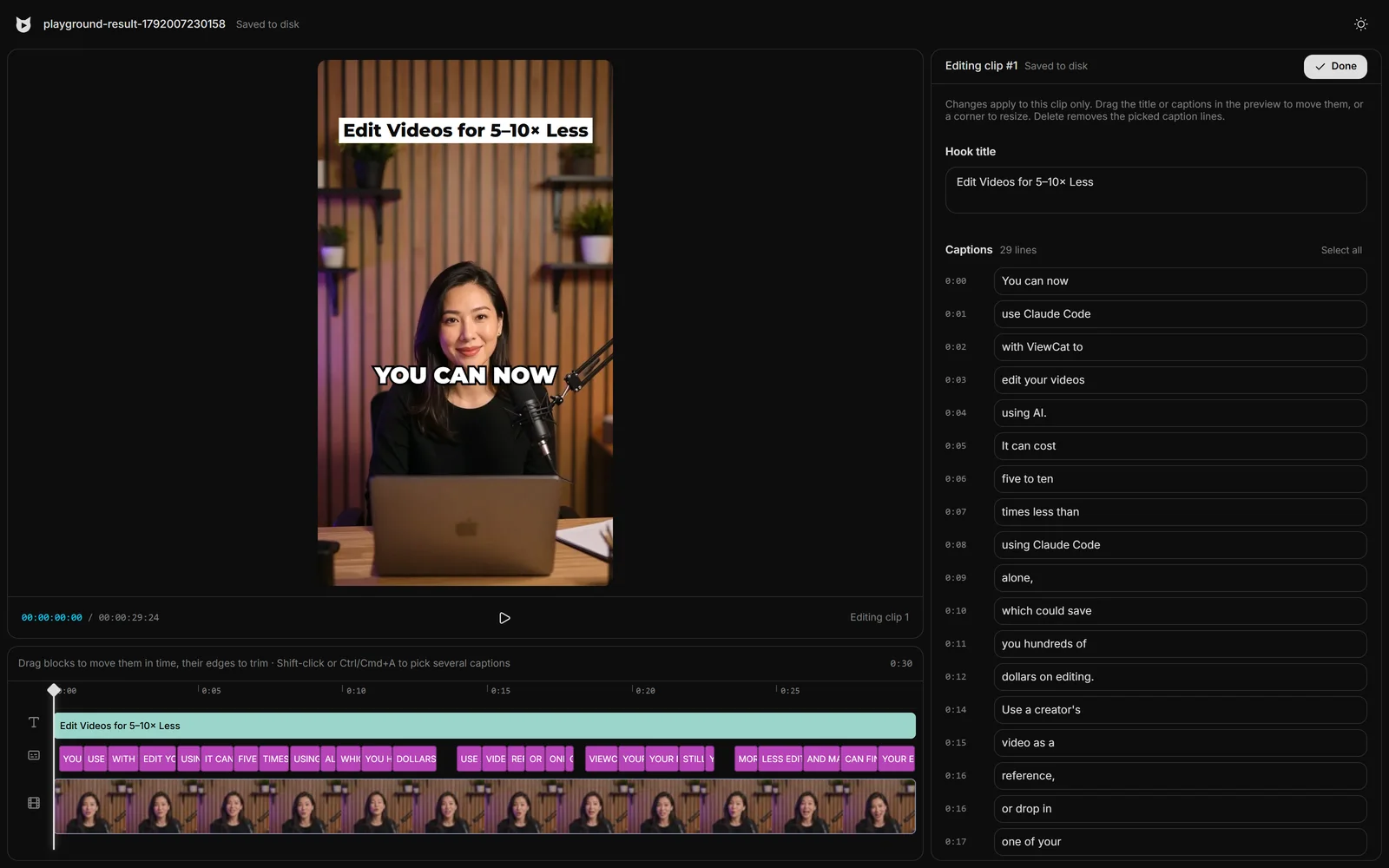
Open any clip to drag, trim or retype before export.
Editors charge $50 and take days. Viewcat creators post the same day, for under $1.
Say the edit, then fix any part by hand
Copy any video's editing style
Reuse a look on every video
/cleanup, /order-clips, /match-recording
Copy a YouTube intro's editing onto yours
Topic in, narrated animated short out
Viewcat transcribes the whole video in short speech chunks, then Viewcat AI reads the numbered sentences and picks the moments most likely to go viral, each with a hook title, scores and a reason. The clips are reframed to 9:16 and exported with captions.
Auto picks about one clip per five minutes of video, up to 20. You can also choose a fixed number.
Auto keeps clips between 15 and 90 seconds. You can choose under 30 s, 30–60 s, 60–90 s, 90 s–3 min or 3–5 min instead.
Full fill (face tracking and reframing), Horizontal fit (letterboxed with a blurred background) and Square crop.
Clipping jobs, the original video, transcripts and exports are saved in your Viewcat folder on your computer.
Other creators are posting while you read this.
Free plan for Windows and Mac · AI features with a paid plan