A real editor
that runs on your PC.
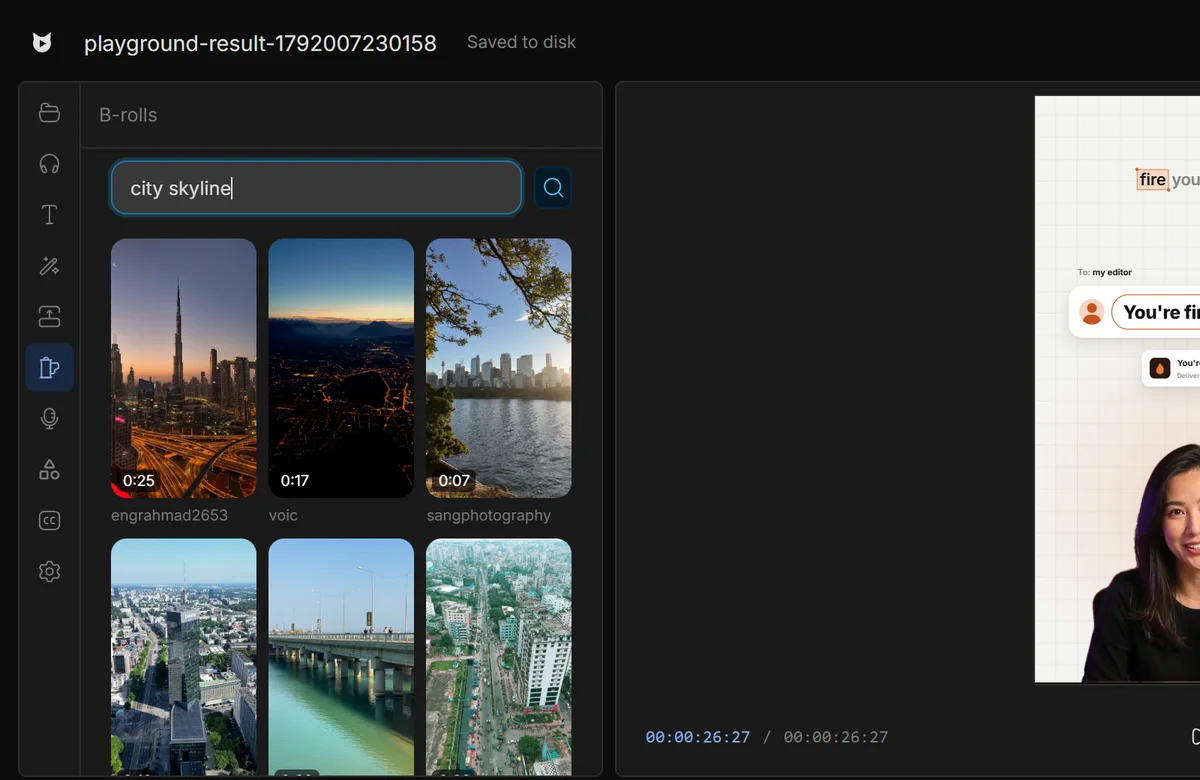
A full multitrack editor on your computer. AI when you want it.
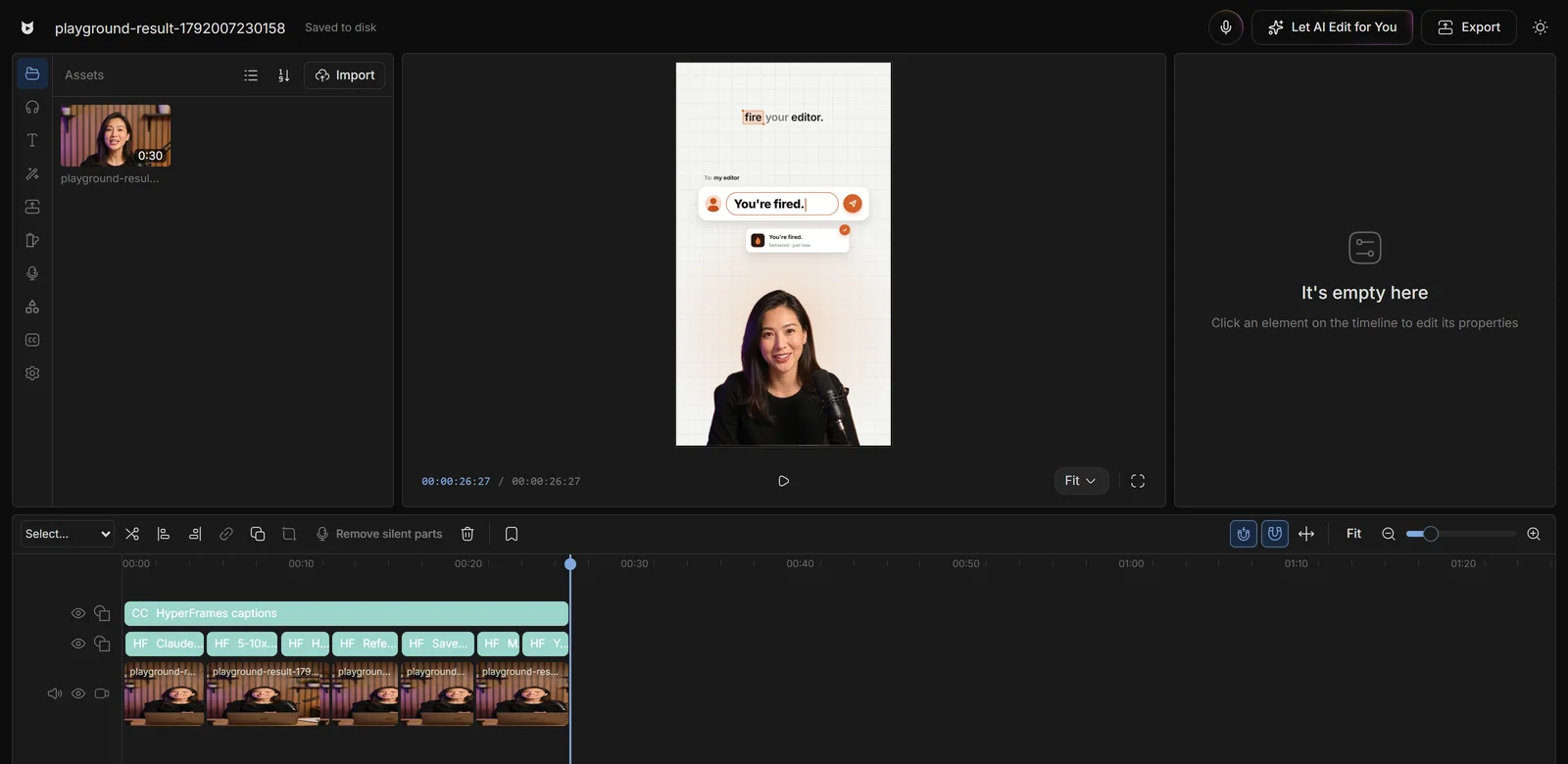
Everything you need
in one timeline.
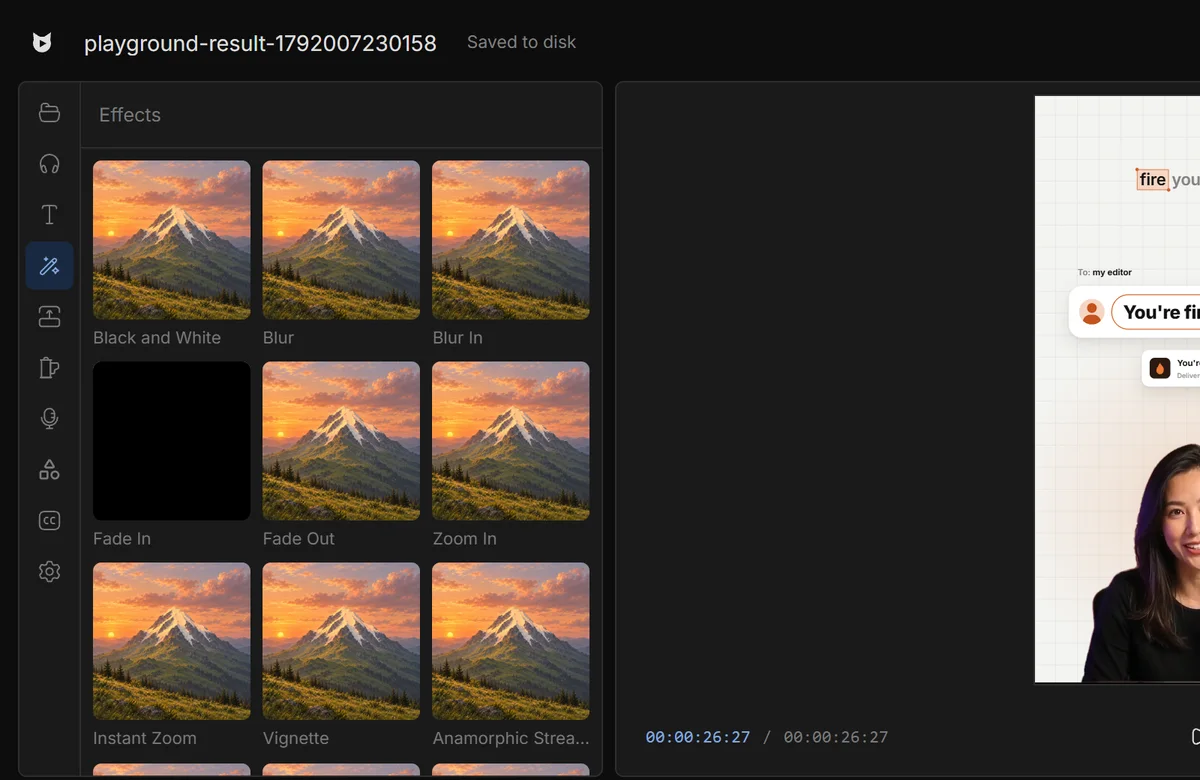
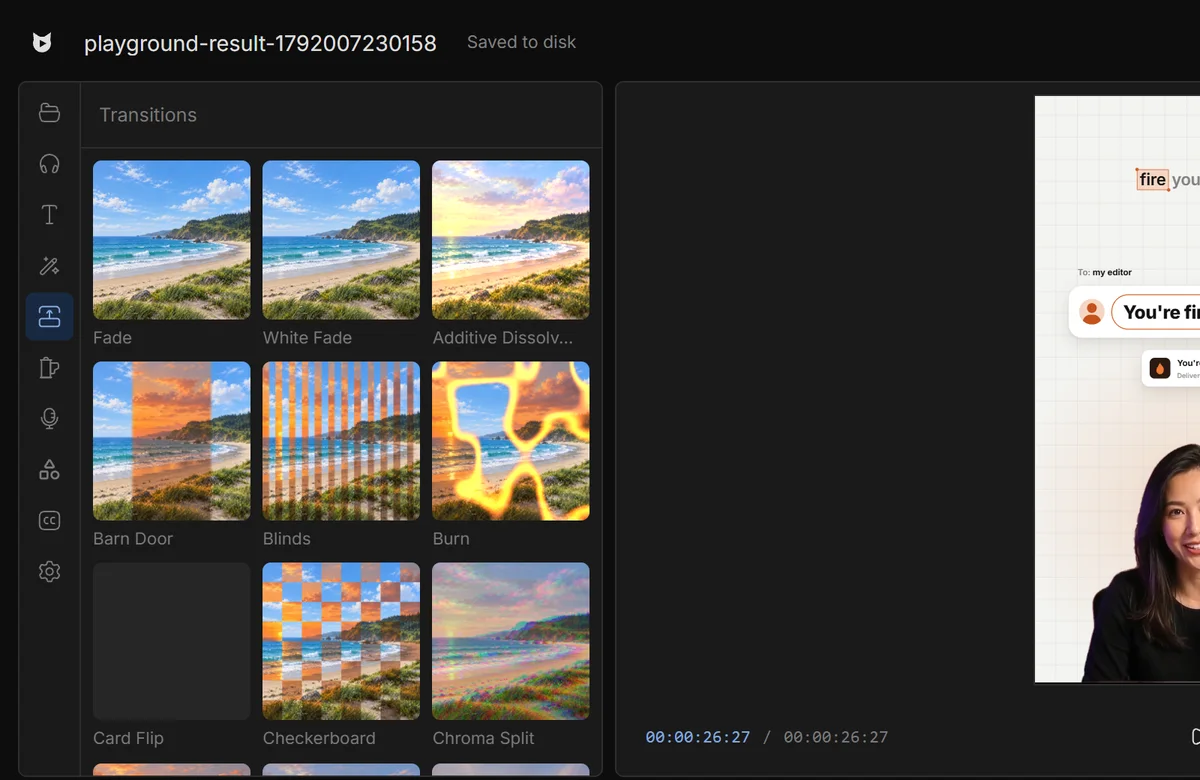
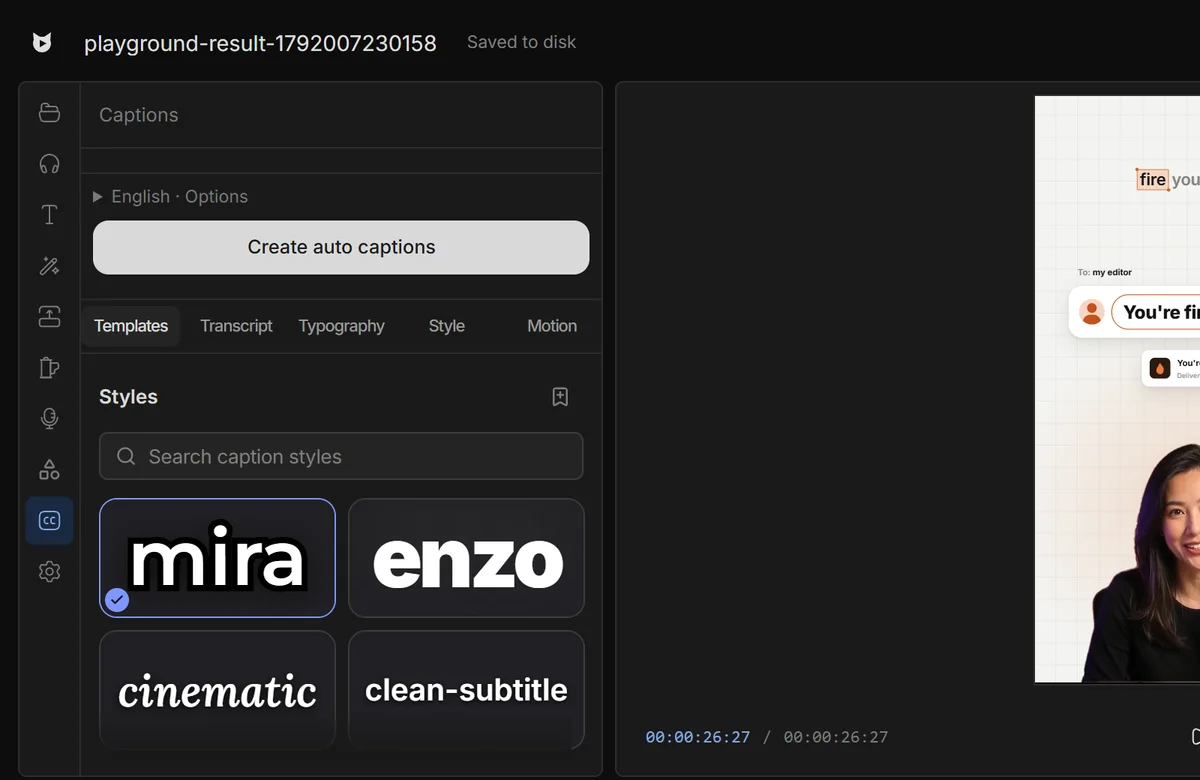
Every tool on the left. The timeline does the rest.
Your footage
never leaves.
Projects save to disk and keep working offline.
Manual mode.
AI mode. Both.
Edit by hand, then let AI finish. Switch any time.
Every video you edit by hand
is money and days gone.
Editors charge $50 and take days. Viewcat creators post the same day, for under $1.
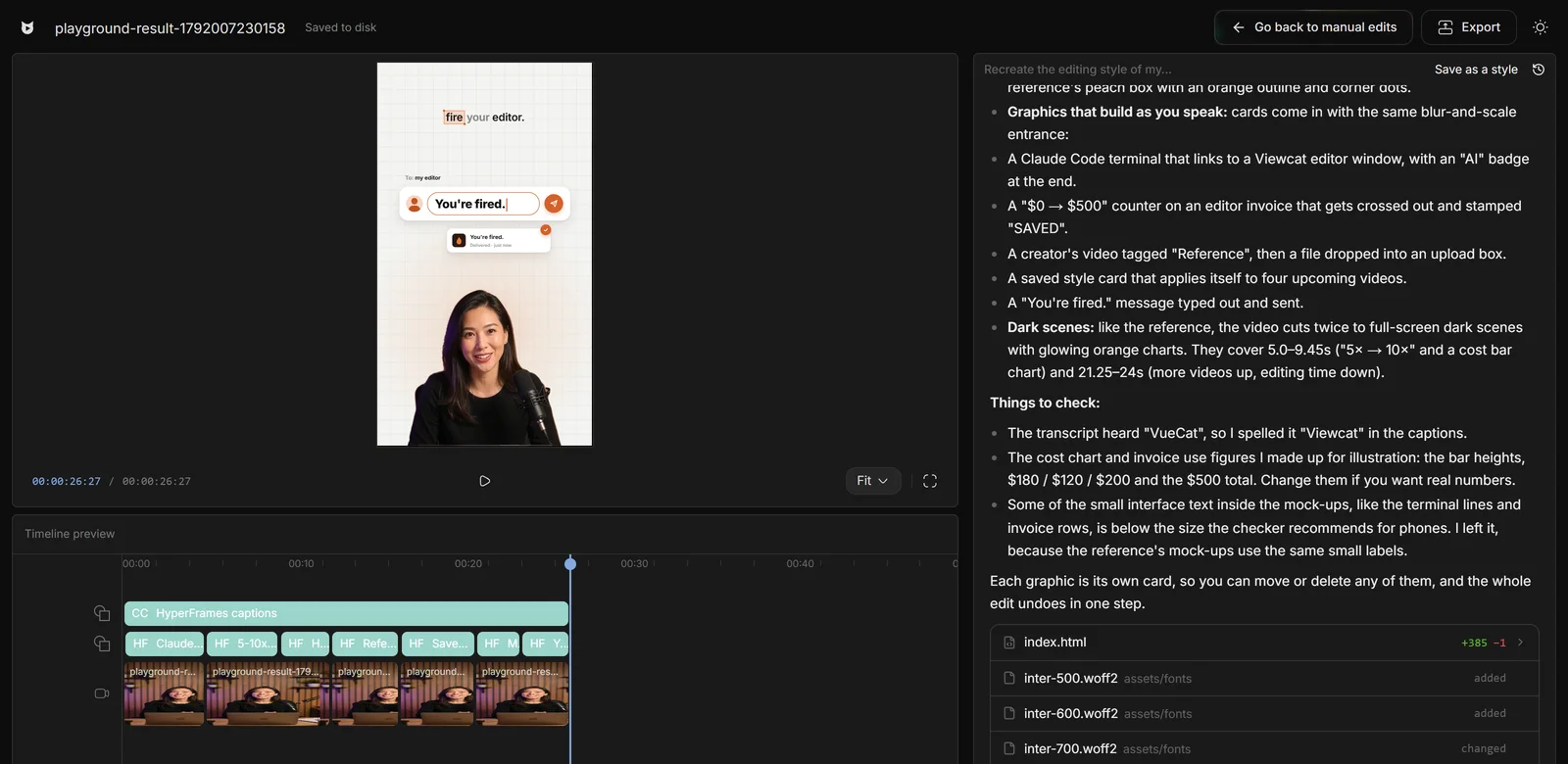
AI chat editor
Say the edit, then fix any part by hand
Recreate a style
Copy any video's editing style
Saved styles
Reuse a look on every video
AI editing skills
/cleanup, /order-clips, /match-recording
Create YouTube videos
Copy a YouTube intro's editing onto yours
Animated story shorts
Topic in, narrated animated short out
Good questions,
straight answers.
Is Viewcat a desktop app or a web app?
Both, in a way. You install Viewcat on Windows; it runs a local editor on your computer and opens it in your browser at a local address. Your projects and media stay on your machine.
Is the editor free?
Yes. The Free plan includes the full manual editor with auto captions, effects, transitions and the B-roll library, plus one hour of cloud transcription (after that, uploads transcribe on your computer). AI features such as the AI chat editor, mic mode, clipping and motion graphics need a paid plan.
Does it work offline?
You sign in once per computer. After that, editing keeps working without internet; only AI and speech features need Viewcat Cloud.
Is there a Mac version?
Yes, for Apple Silicon Macs (M1 or later) on macOS 12 or newer. Intel Macs aren't supported.
Your editor.
Your machine.
Other creators are posting while you read this.
Free plan for Windows and Mac · AI features with a paid plan