Make the big moments
hit harder.
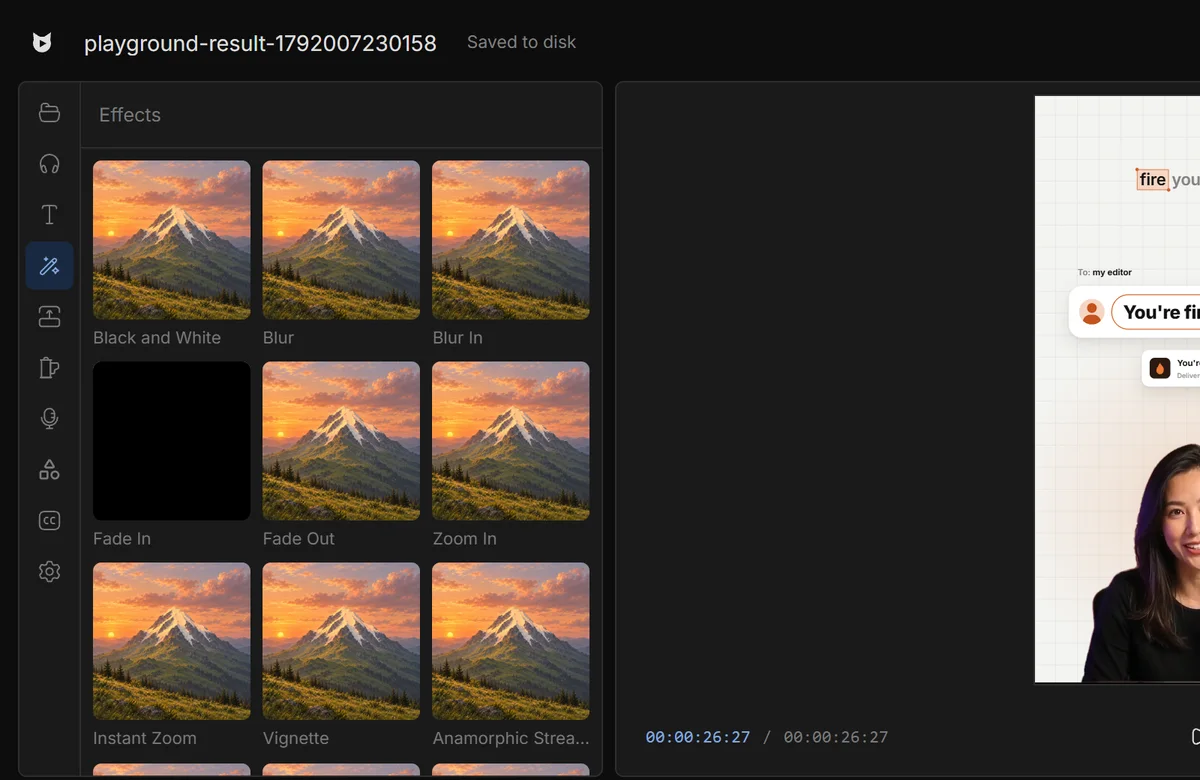
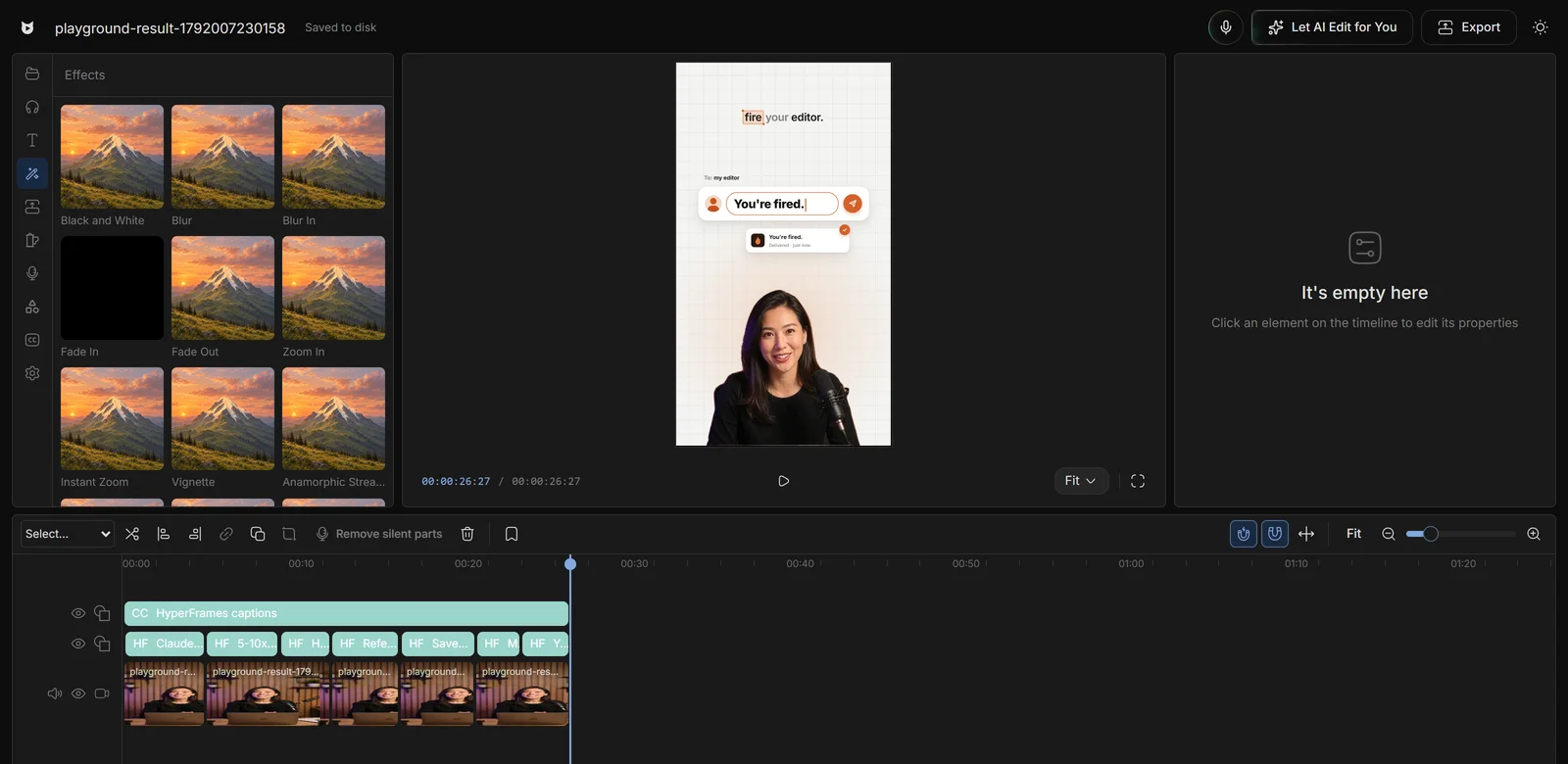
39 effects. 37 transitions. Exactly what you preview.
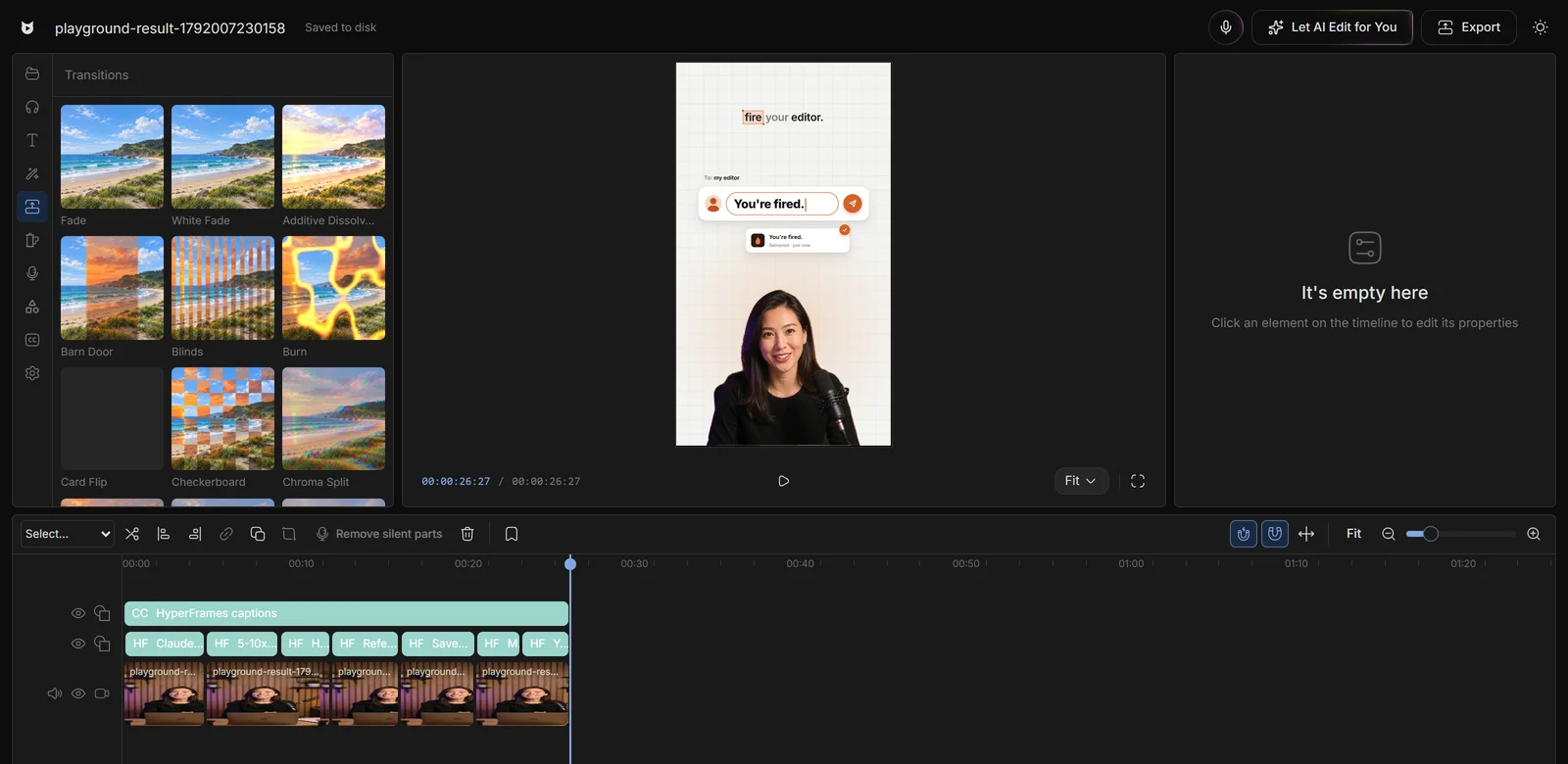
Pick it.
Drop it. Done.
All in the Assets panel, next to your preview.
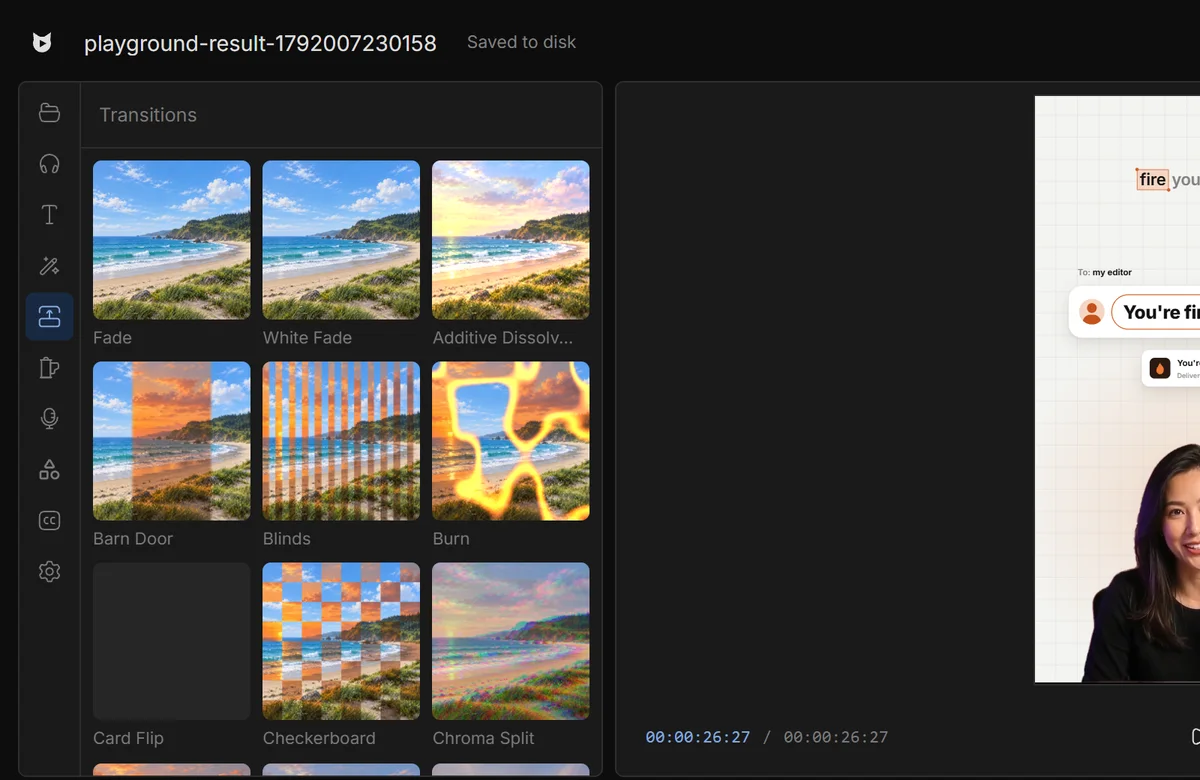
Transitions that
just work.
Drop it on any cut. No extra footage needed.
Every video you edit by hand
is money and days gone.
Editors charge $50 and take days. Viewcat creators post the same day, for under $1.
AI chat editor
Say the edit, then fix any part by hand
Recreate a style
Copy any video's editing style
Saved styles
Reuse a look on every video
AI editing skills
/cleanup, /order-clips, /match-recording
Create YouTube videos
Copy a YouTube intro's editing onto yours
Animated story shorts
Topic in, narrated animated short out
Good questions,
straight answers.
How many effects and transitions does Viewcat have?
39 effects and 37 transitions from the Cartcut library, alongside Viewcat's native presets.
Do I need extra footage at the ends of clips for transitions?
No. Transitions are one second, centred on the cut, and hold the edge frame where a clip's retained footage ends.
Are effects free?
Yes. Effects and transitions are part of the free editor.
Will the export look like the preview?
Yes. The same GPU passes render the preview and the export.
Add the wow.
Skip the plugins.
Other creators are posting while you read this.
Free plan for Windows and Mac · AI features with a paid plan