Hold M or click the mic
Or click the mic in manual mode.
Hold M. Say the edit. Watch it happen.
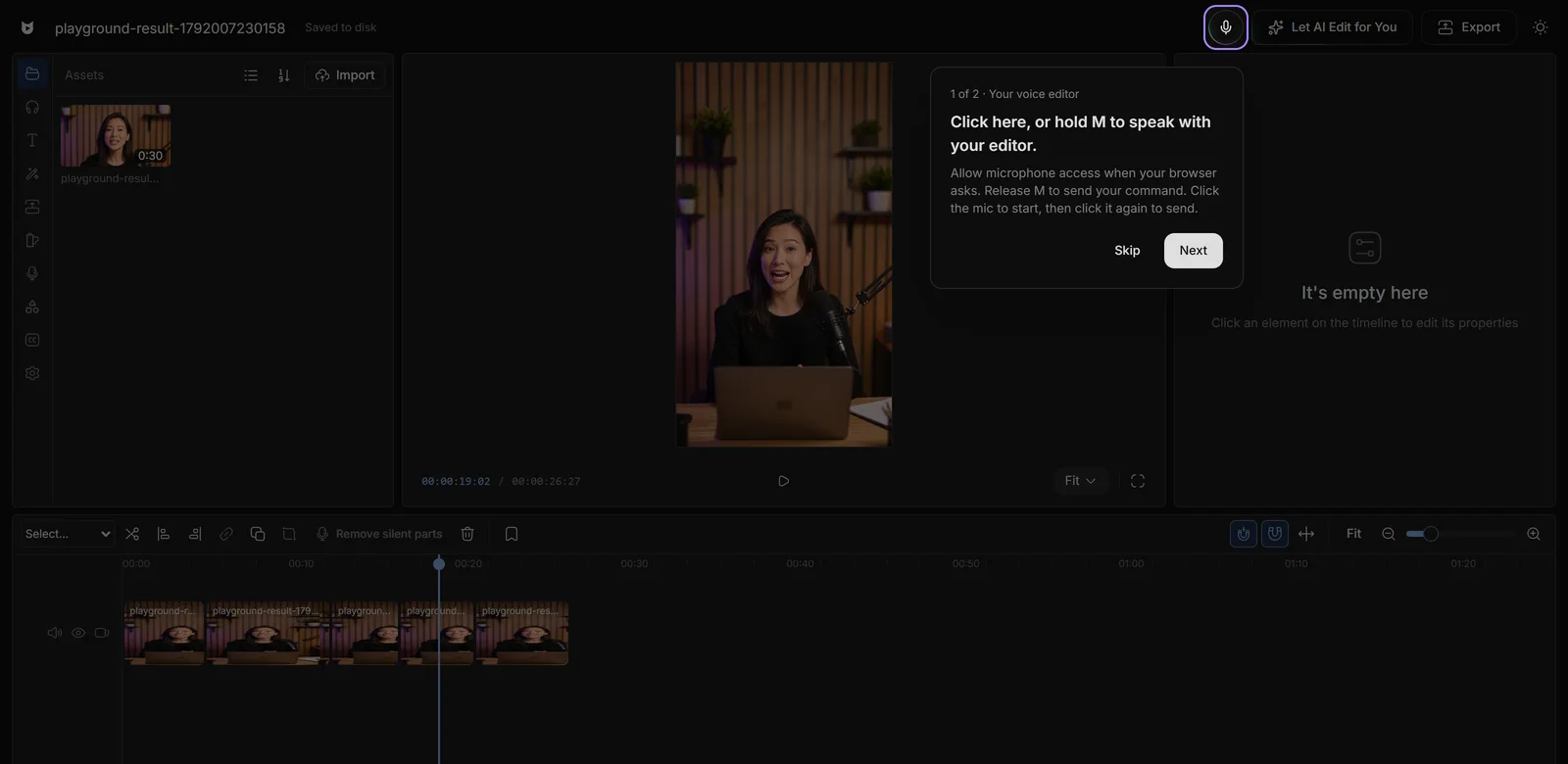
Or click the mic in manual mode.
Any language. Let go to send.
Applied to your timeline. Escape cancels.
Stay in the flow instead of clicking through panels.
Up to three edits in one sentence, one undo.
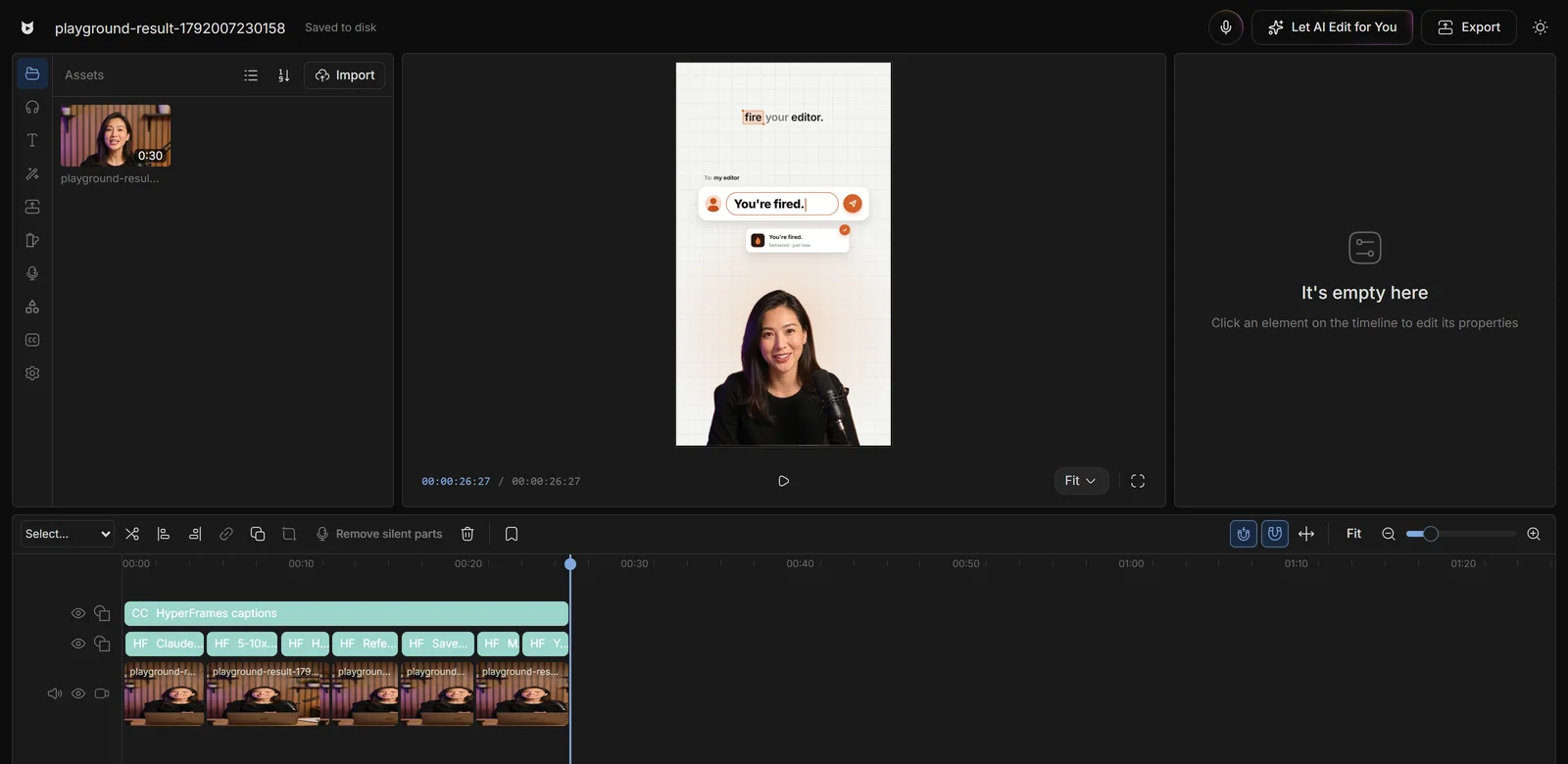
Editors charge $50 and take days. Viewcat creators post the same day, for under $1.
Say the edit, then fix any part by hand
Copy any video's editing style
Reuse a look on every video
/cleanup, /order-clips, /match-recording
Copy a YouTube intro's editing onto yours
Topic in, narrated animated short out
In the editor's manual mode, hold the M key while you speak and release it to send, or click the mic button to start and click again to send. Escape cancels.
No. Nothing is recorded or uploaded until you press M or click the mic. Leaving manual mode or switching tabs releases the microphone.
Commands are transcribed by GPT Transcribe without a language hint, so any spoken language works.
Viewcat turns your words into text, then works out the timeline edits they ask for.
Other creators are posting while you read this.
Free plan for Windows and Mac · AI features with a paid plan