Captions in a click.
Styled like a pro.
Captions in one click. Fix any word in the transcript.
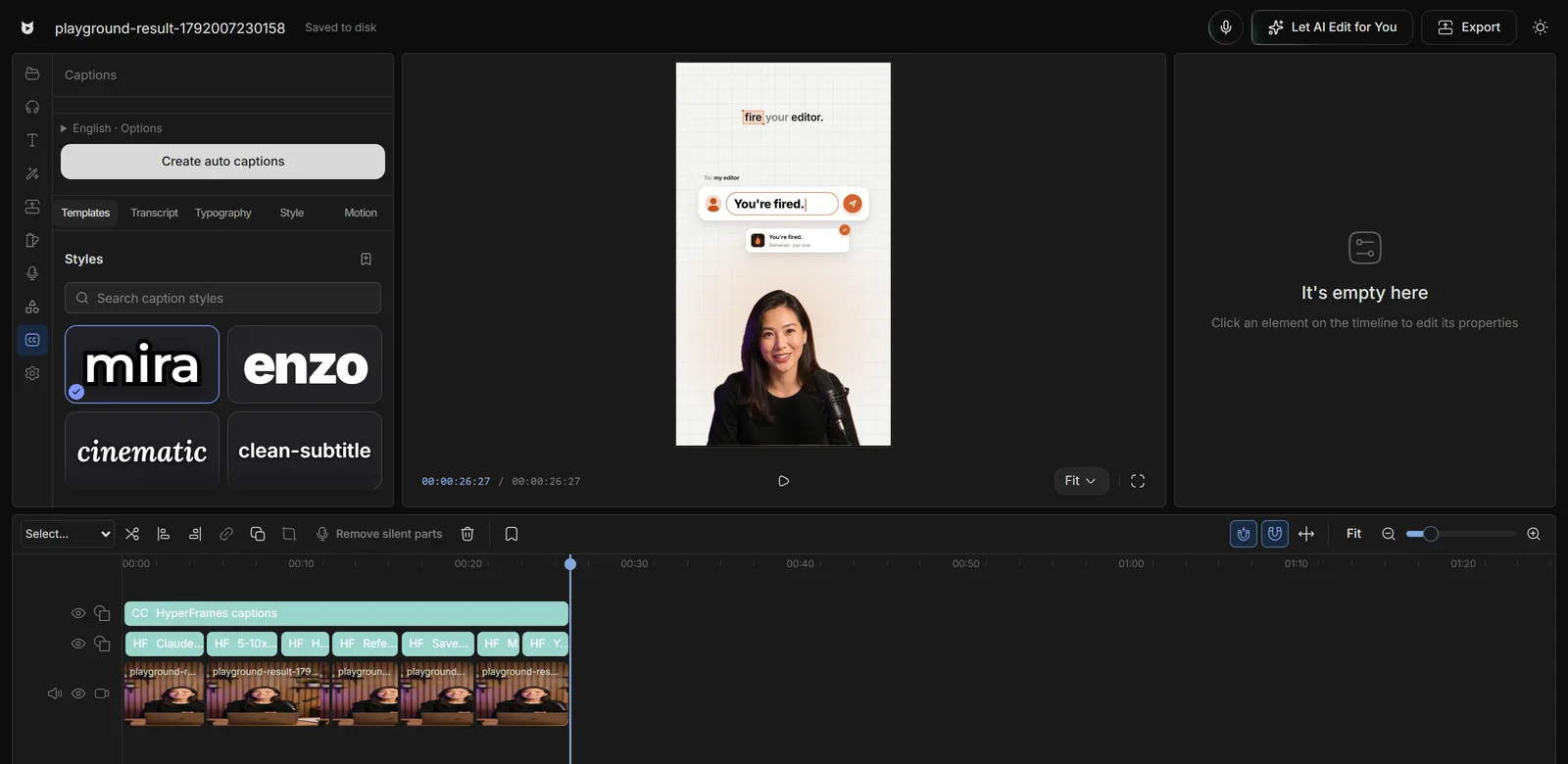
Words that
keep people watching.
Most people watch with the sound off.
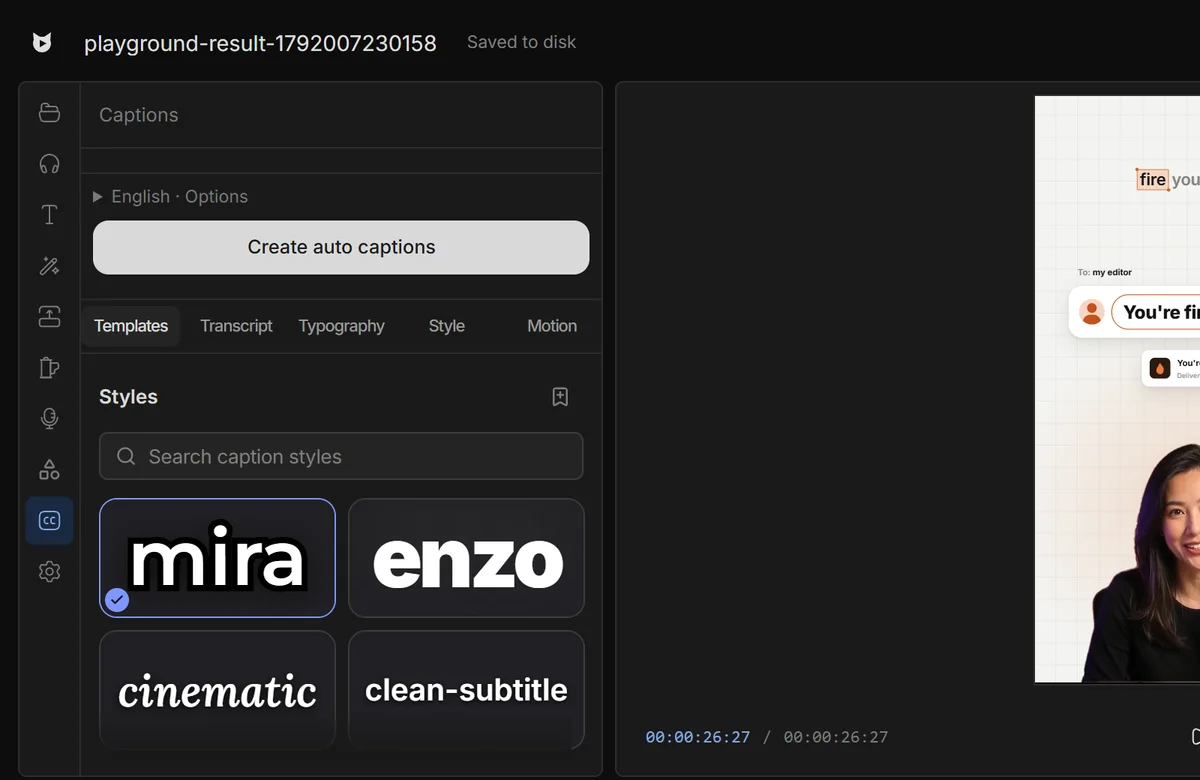
Fix a word,
not a timeline.
Fix a name once in the transcript and the caption follows.
Every video you edit by hand
is money and days gone.
Editors charge $50 and take days. Viewcat creators post the same day, for under $1.
AI chat editor
Say the edit, then fix any part by hand
Recreate a style
Copy any video's editing style
Saved styles
Reuse a look on every video
AI editing skills
/cleanup, /order-clips, /match-recording
Create YouTube videos
Copy a YouTube intro's editing onto yours
Animated story shorts
Topic in, narrated animated short out
Good questions,
straight answers.
How accurate are Viewcat's auto captions?
Captions come from your transcript with word-level timing. You can correct any word in the Transcript tab, and glossary terms help names come out right.
Can I style the captions?
Yes. Start from a template, then change typography, colours, outlines and motion. AI-built kinetic captions can match a reference video's caption style.
Are auto captions free?
Yes. Auto captions are part of the Free plan. Your first hour of uploads is transcribed in the cloud; after that, transcription runs on your computer.
Can I burn captions into the export?
Yes. Captions on the timeline render into the exported video.
Every word.
On screen.
Other creators are posting while you read this.
Free plan for Windows and Mac · AI features with a paid plan