Search
Pexels and Pixabay, together.
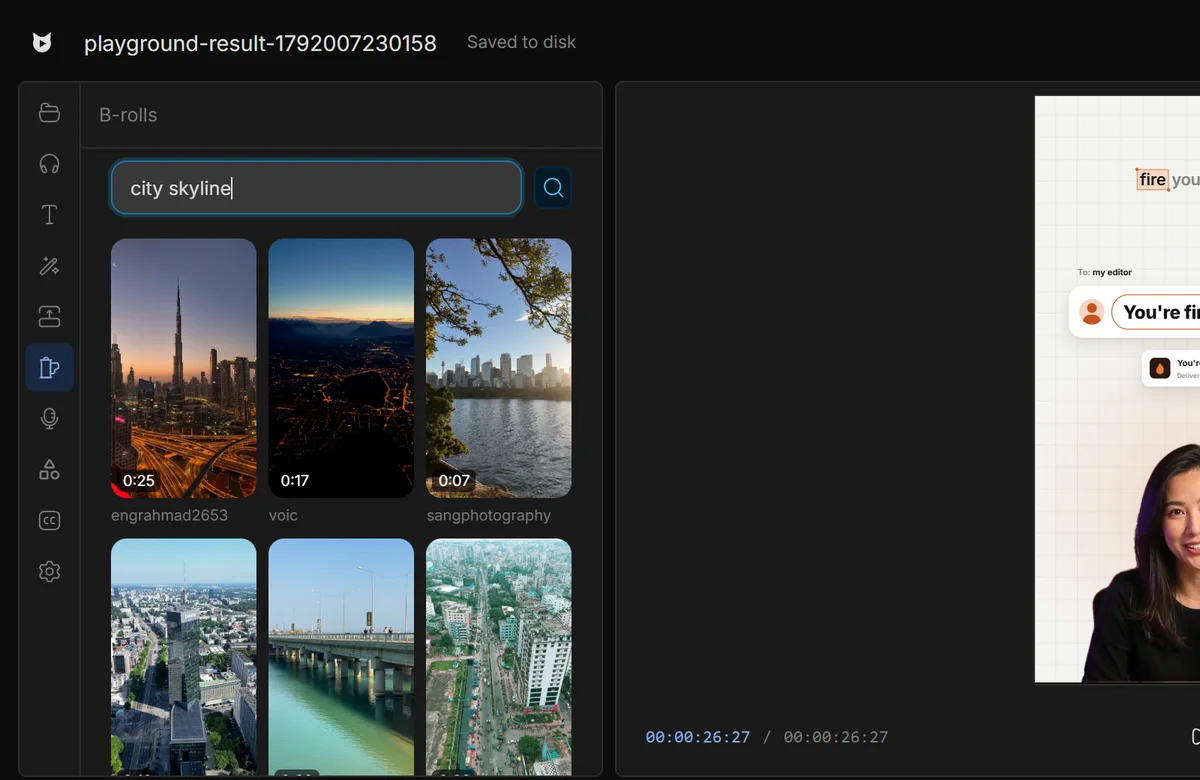
Search “city skyline”. Free stock clips that fit your frame.
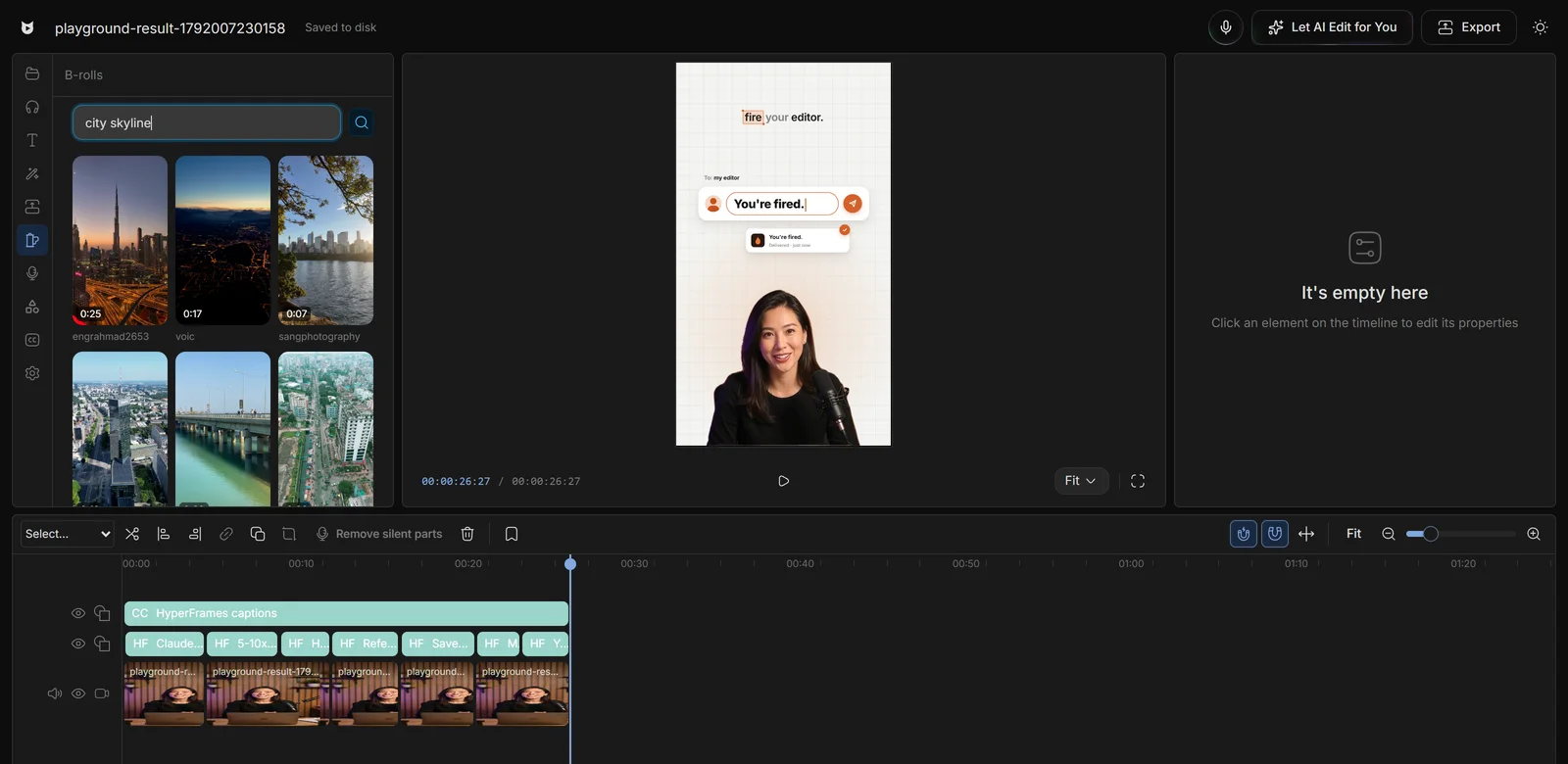
Pexels and Pixabay, together.
Only clips that match your shape.
One click, at the playhead.
No cropping a landscape clip into a Short.
Editors charge $50 and take days. Viewcat creators post the same day, for under $1.
Say the edit, then fix any part by hand
Copy any video's editing style
Reuse a look on every video
/cleanup, /order-clips, /match-recording
Copy a YouTube intro's editing onto yours
Topic in, narrated animated short out
Free stock libraries: Pexels and Pixabay. The panel credits the libraries that returned results.
The B-roll search is part of the free editor and the clips come from free stock libraries. Check each library's licence for your use.
Yes. Only clips within 7% of your project's aspect ratio are shown, so vertical projects get vertical clips.
Viewcat downloads it, imports it, and places it at the playhead on the first free video track with its audio off, scaled to cover the frame and trimmed to end with your main track.
Other creators are posting while you read this.
Free plan for Windows and Mac · AI features with a paid plan