Import your takes
Every clip, transcribed.
Record retakes and all. Get a clean cut back.
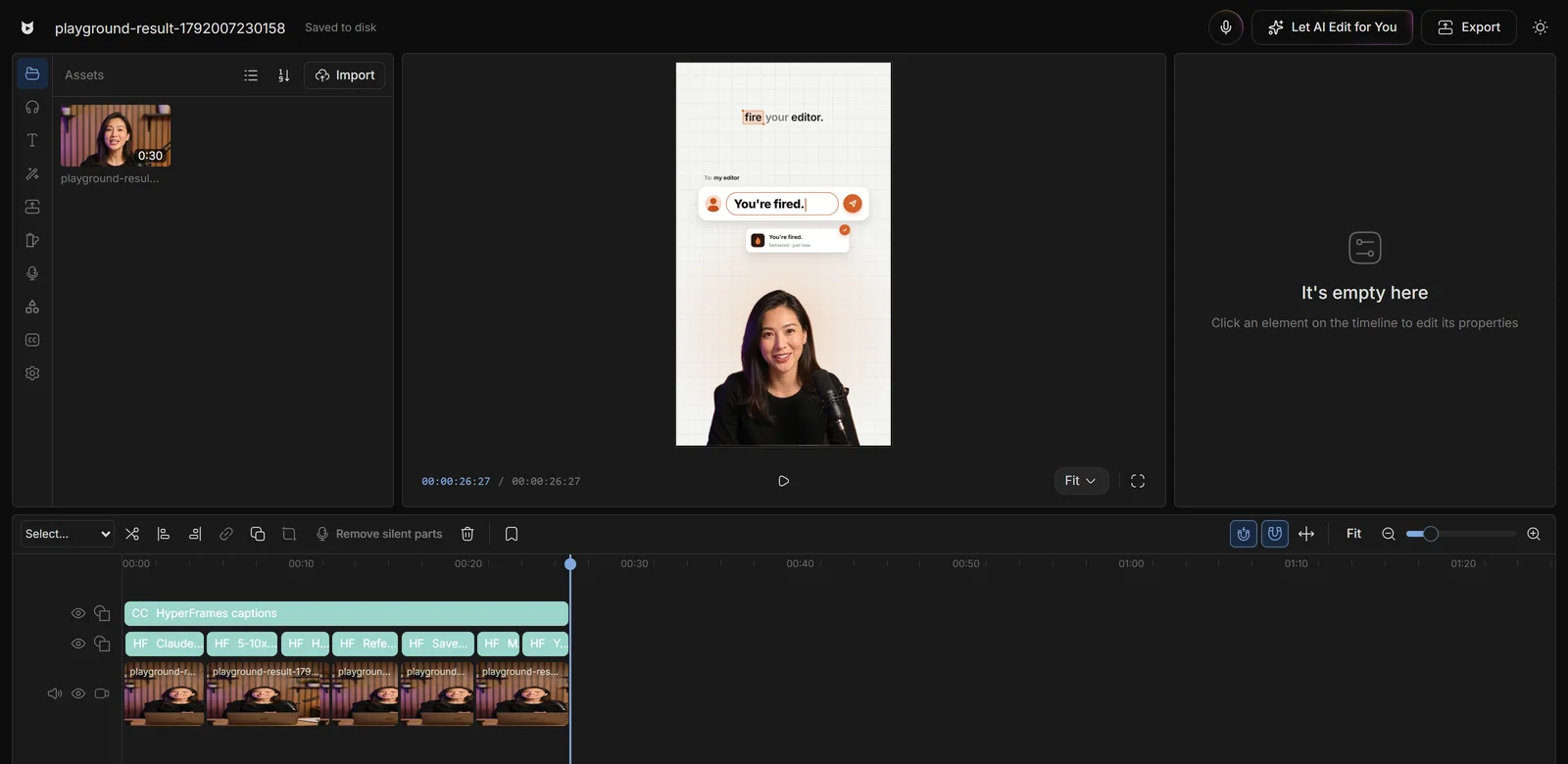
Every clip, transcribed.
The best take of each line, fillers out.
Trim or reorder, then Looks good.
Or remove only the silences in the manual editor.
Editors charge $50 and take days. Viewcat creators post the same day, for under $1.
Say the edit, then fix any part by hand
Copy any video's editing style
Reuse a look on every video
/cleanup, /order-clips, /match-recording
Copy a YouTube intro's editing onto yours
Topic in, narrated animated short out
Viewcat AI reads the transcripts of all your clips and selects the best take of each line in story order, removing bad takes and filler words. If facts conflict, it keeps the most recent take.
Inside a kept take, pauses of 0.45 seconds or more where no speech was detected are trimmed out.
Yes. It's applied as one undoable timeline change, and you can rearrange the cleaned clips by hand before approving.
Yes. Remove silent parts in the manual editor removes only the silences with a ripple edit.
Other creators are posting while you read this.
Free plan for Windows and Mac · AI features with a paid plan